EasyManua.ls Logo

Harbor Breeze 40314 - User Manual

Harbor Breeze 40314
16 pages
Print Icon
To Next Page IconTo Next Page
Loading...
Questions, problems, missing parts? Before returning to your retailer, call our customer
service department at 1-800-643-0067, 8 a.m. - 6 p.m., EST, Monday - Thursday,
8 a.m. - 5 p.m., EST, Friday.
1
ATTACH YOUR RECEIPT HERE
Serial Number ____________ Purchase Date ____________
®
Lowes.com/harborbreeze
EB1360
Harbor Breeze
®
is a registered trademark
of LF, LLC. All Rights Reserved.
ITEM #0429784
#0429785
#0429786
#0429787
#0429788
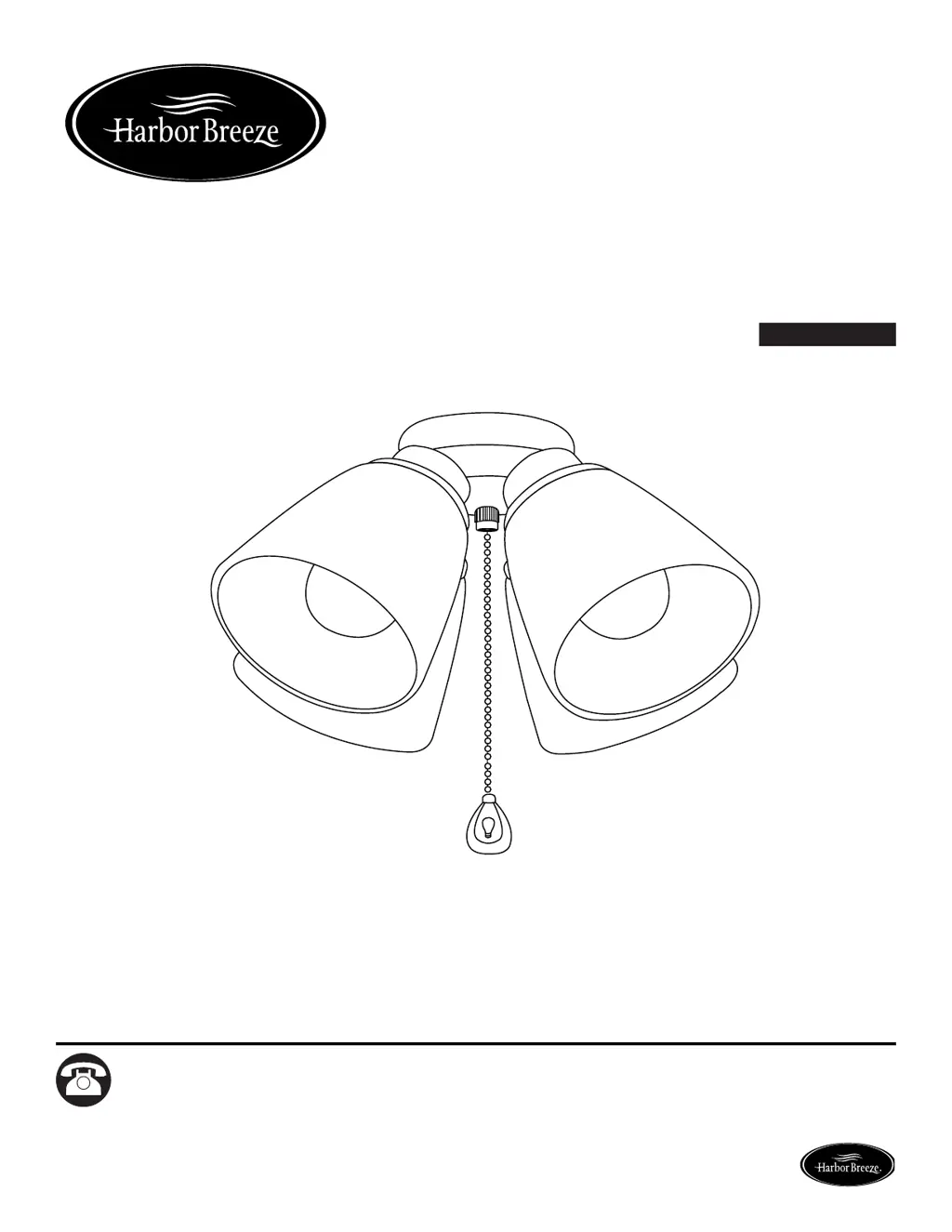
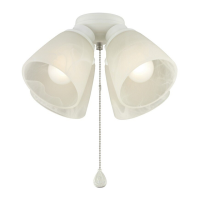
CEILING FAN LIGHT KIT
MODEL #40314
#40315
#40316
#40317
#40318
Español p. 9
H
a
r
b
o
r
B
r
e
e
z
e

Questions and Answers

  • D
    Dennis ReyesAug 2, 2025
    What to do if the bulb will not light on my Harbor Breeze 40314?
    • E
      evansjohnathanAug 2, 2025
      If the bulb in your Harbor Breeze fan won't light, start by ensuring the power supply is on. Then, check the wiring and all connections to rule out crossed wires, grounding issues, or faulty connections. Replace the light bulb if it's burned out. Also, check the fusebox for a blown fuse. Finally, ensure that the total bulb wattage does not exceed 190W; if it does, switch to a lower watt bulb (40W max).

Summary

Package Contents

Hardware Contents

Details the specific hardware components included with the light kit for assembly.

Safety Information

Assembly Instructions

Preparation

Steps to take before beginning the assembly process, including checking parts.

Care and Maintenance

Troubleshooting

One-Year Limited Warranty

Replacement Parts

Harbor Breeze 40314 Specifications

General IconGeneral
BrandHarbor Breeze
Model40314
CategoryFan
LanguageEnglish

Related product manuals