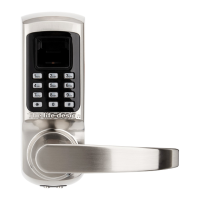
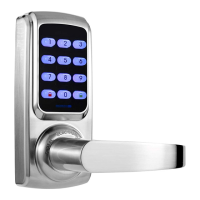
1.1 Create Admin
Create First Administrator User
Step 1. Into the option menu
Method 1: First touch and then touch on the keypad, then please verify
administrator by pressing initial password 123456 + .
Or method 2: Remove battery cover and press SET button.Then please verify
administrator by pressing initial password 123456 + .
↓
Step 2. Select “ 1. Create user”
Press “1” into option.
↓
Step 3. Select “ 1. Create admin”
Press “1” into option.
↓
Step 4. Register finger, password or access card
Fingerprint: press the same fingerprint, for 3 times.
Password: press 4~12digits password + , for twice.
Access card: put a access card close to the keypad, for 1 time.
After you create first admin user, system will automatically proceed to register the
next user. You can continue to register more or touch key to cancel it.



 To Next Page