Step 1. Into the option menu
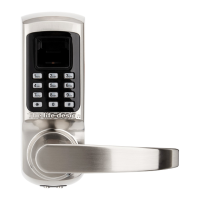
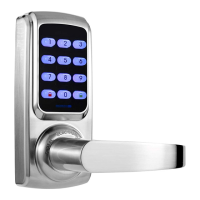
Method 1: First touch and then touch on the keypad, verify administrator
with the administrator user information (fingerprint, card or password) that you have set. .
Or method 2: Remove battery cover and press SET button.Then please verify
administrator with the administrator user information (fingerprint, card or password)that
you have set.
↓
Step 2. Select “ 2. Edit User”
You will into edit user menu.
1. User Blacklist 2. Delete by ID 3. Delete by Type 4. Delete All
↓
Press“1” and screen will shows“Enter User ID”. Enter the user ID which you want to
manage, then press to confirm. 1. Enable to Unlock 2 Disable to Unlock
Notice: Administrator can’t be added to Blacklist.
Press“2” and screen will shows“Enter User ID”. Enter the ID which you want to delete,
then press to delete this user.
Notice: The logged-in administrator won’t be deleted in this time.



 To Next Page