4.Unlock Records
Step 1. Into the option menu
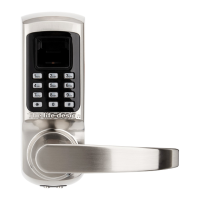
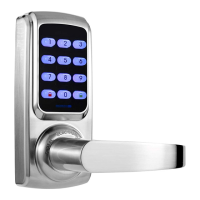
Method 1: First touch and then touch on the keypad, verify administrator
with the administrator user information (fingerprint, card or password) that you have set.
Or method 2: Remove battery cover and press SET button.Then please verify
administrator with the administrator user information (fingerprint, card or password) that you
have set.
↓
Step 2. Select “ 4. System Setting”
You will get into the system setting menu.
1.Query by Time 2. Query by Type 3. Clear Records
↓
4.1 Query by Time
Press“1”, you can view the unlock records listed in chronological order.
4.2 Query by Type
Press“2”, you will get into the query by type menu.
1. Fingerprint 2. Password 3. Card
Then press“1”,“2”or“3”to view the unlock records listed in different unlock ways.
4.3 Clear Records
Press“3”to clear all the unlock records.



 To Next Page