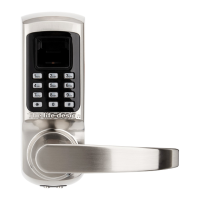
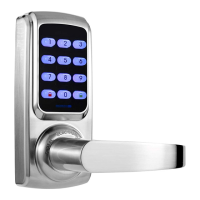
Step 4. Register finger, password or access card
Fingerprint: press the same fingerprint, for 3 times.
Password: press 4~12digits password and key, for twice.
Access card: put a access card close to the keypad, for 1 time.
After you create the first normal user, system will automatically proceed to register
the next user. You can continue to register more or touch to cancel it.
The system gives each user a ID number in sequence. Administrators can use the ID
number for user management.
1.3 Create Casual User
The setting way is the same with Create Normal Users. But the casual user can only
be added by password.
The Casual user password will be invalid after once used.



 To Next Page