Revision C.1 • 12/10
HARRIS CORPORATION
2-9
2 Installation
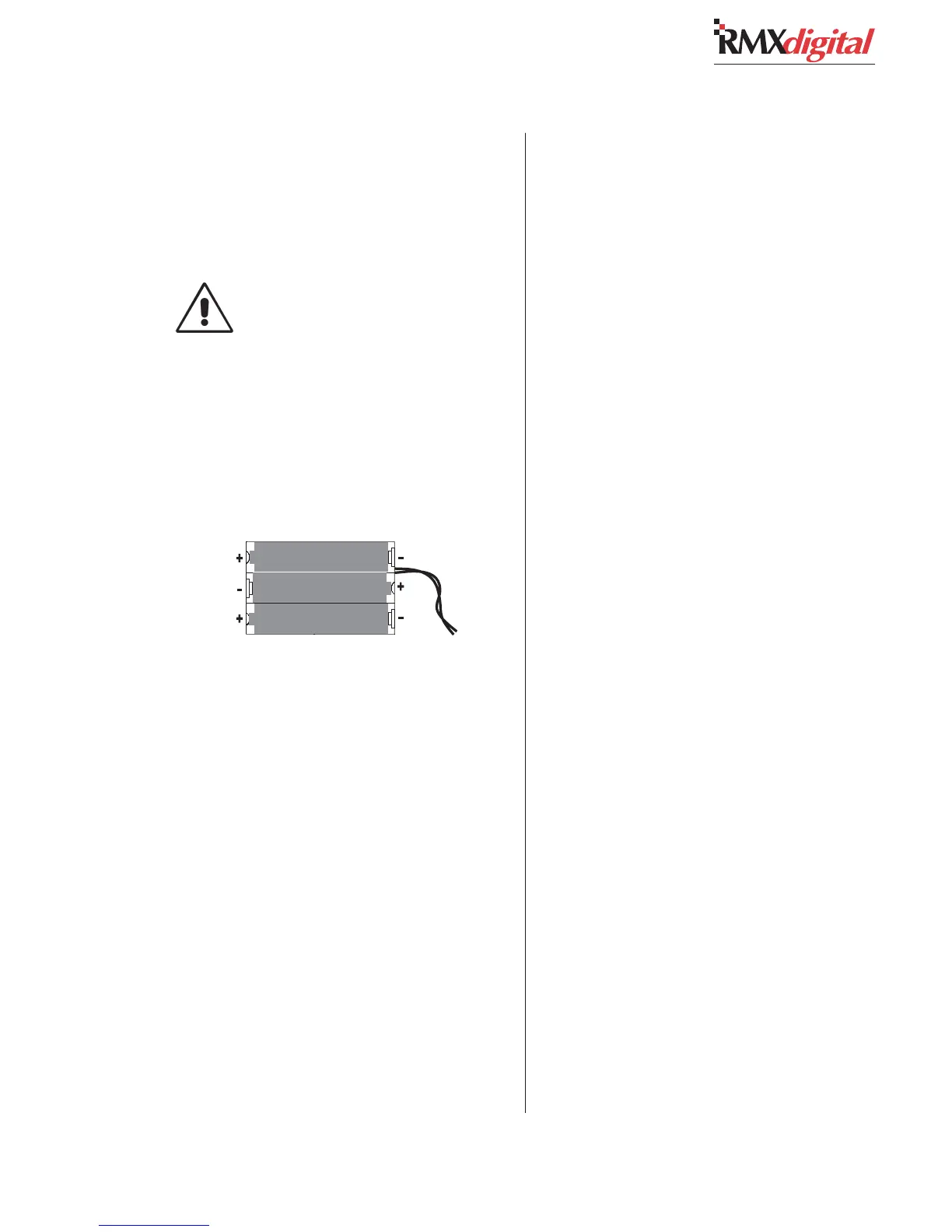
Backup Battery Polarity
BACKUP BATTERIES
Three AA rechargeable NiCad batteries (part of
the Tool Kit) supply a “Keep Alive” voltage to main-
tain the console assignments during momentary
power outages.
Do NOT install the batteries until the
console is powered 24/7 and is ready
for everyday use.
To install the backup batteries:
1 Open the card access cover.
2 Install the three batteries into the battery clip
located behind the KSU card on the frame.
Observe the polarity as marked on the bat-
tery clip, and shown below.
NOTE: Check/replace the batteries yearly to
prevent leakage damage and ensure continuous
backup protection. Use only Panasonic P-50AAH
or equivalent batteries designed for continuous
slow charging. To prolong battery life and prevent
leakage damage, remove the batteries when leav-
ing the console off for any extended period.


 To Next Page