After setting the drop/ml parameter, verify this value. The drip rate was set at 50
drops/m and the preset value was set at 5 ml.
Running the infusion and visually measure the number of drops in the actual drip
chamber during infusion. If there is a large difference between the drip/ml parameters
and the set drip, the drip/ml parameter should be corrected based on the actual visual
measurement value.
(For example, the Boon infusion tube drop/ml parameter is set to 20, and 5 ml
presetting is done at a drop rate of 50 drops/minute. The actual visual value should be
100 drops.)
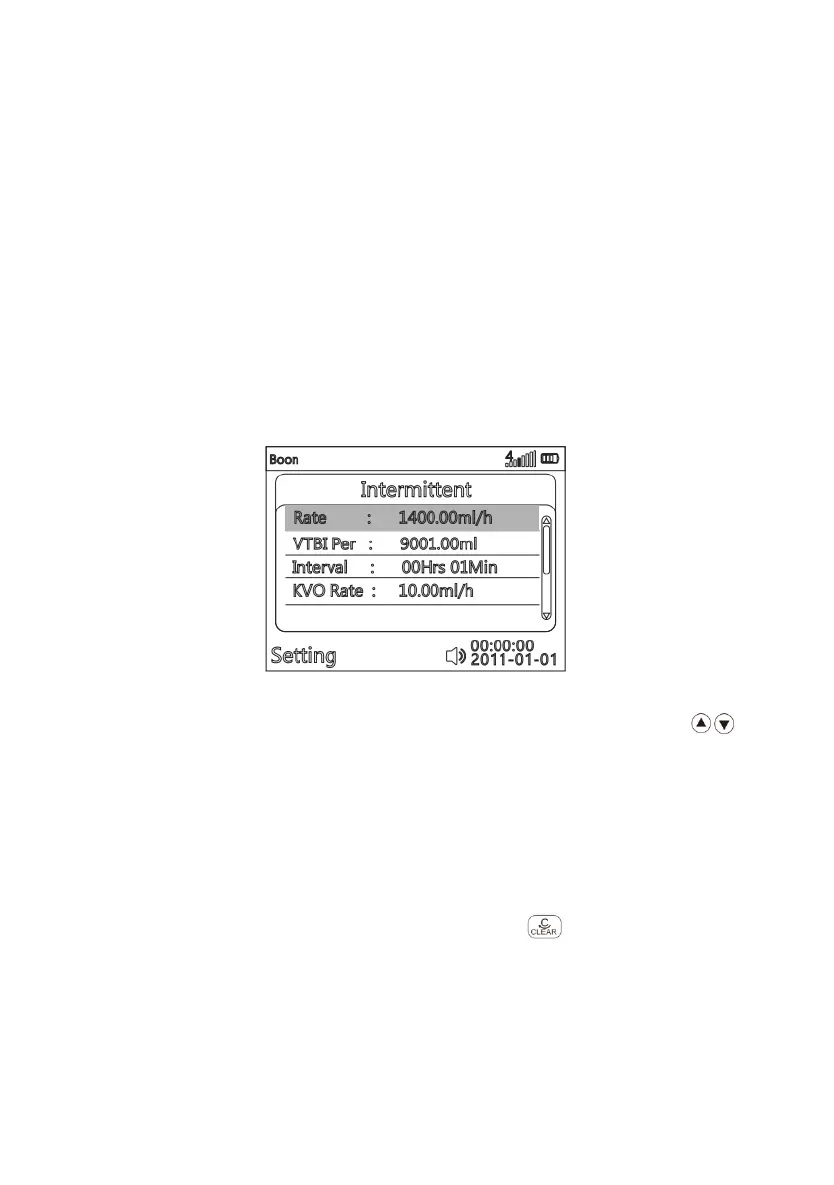
(8) Intermittent
(Fig. 16 Intermittent)
After entering parameter setting interface of Intermittent mode, press to
choose parameter item to be edited, it will be marked with blue rectangle background.
Press OK key, the blue rectangle disappears, then the current editable position will be
marked white rectangle background, input the value according to (Fig. 814-3), Rate,
VTBI per time, Interval time and KVO Rate are adjustable, after confirming, press OK to
save.
Return:If want to reselect infusion mode, press to return main menu
( Fig.814-1 ).
2.Select Drug library mode in main menu



 To Next Page