31
www.coreservice.co.uk
Hotline: +44 01904 947568
Email support@coreservice.co.uk
Charge the battery pack before operating when it is at medium or low battery charging level.
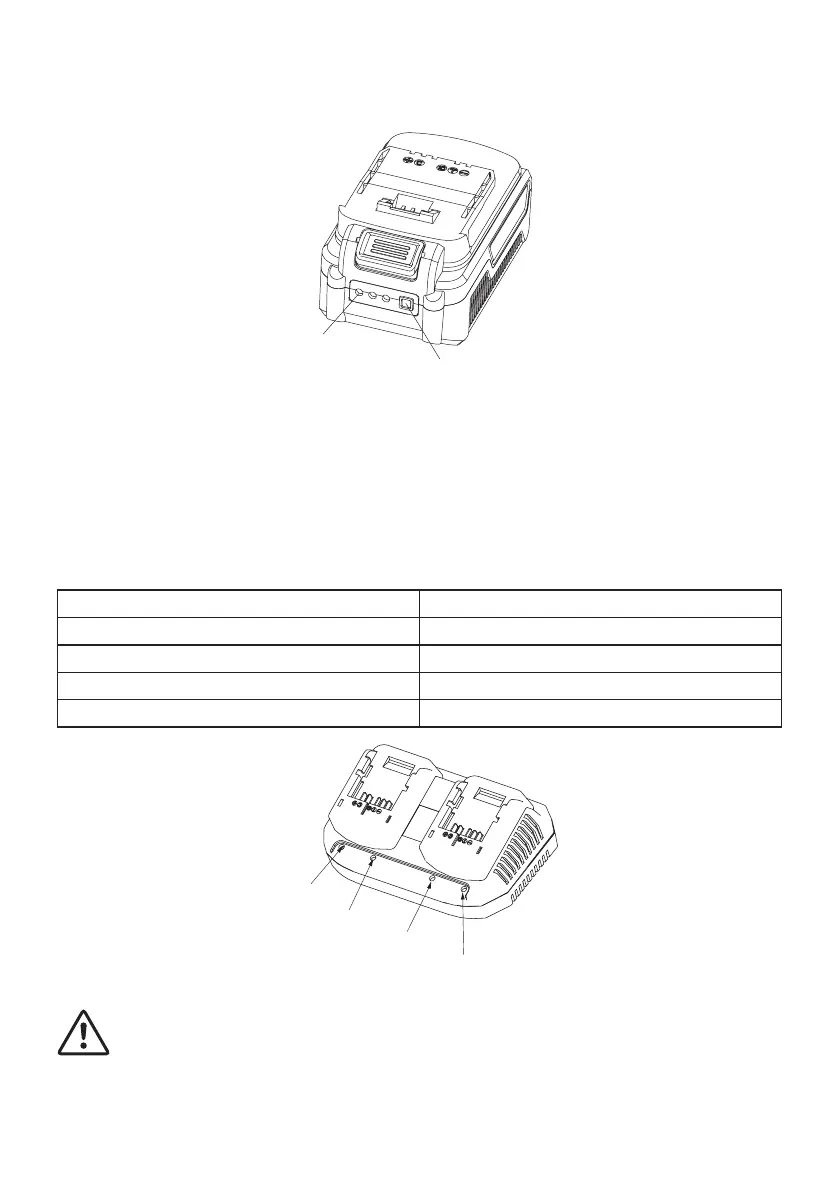
Led
Button
Charging procedure
1) Slide the battery pack into the charger base to make connections.
2) Connect the battery charger to the power supply. The indicator light will be green and flash to
show that the charging has started.
3) When charging is completed, the light will be continuously lit, the pack is now fully charged,
unplug the charger and remove the battery pack.
Charging light indicator
Red LED on, Green LED off Charger ready
Red LED off, Green LED flashes Battery pack charging
Red LED off, Green LED on Battery pack fully charged
Red LED flashes, Green LED flashes Battery pack defected
Red LED on, Green LED on Battery pack too cold or hot
Red LED
Green LED
Red LED
Green LED
WARNING: When battery pack runs out after continuous use or exposure to direct
sunlight or heat, allow time for the pack to cool down before re-charging to achieve
the full capacity.



 To Next Page