4
3. INSTALLATION AND CONNECTION
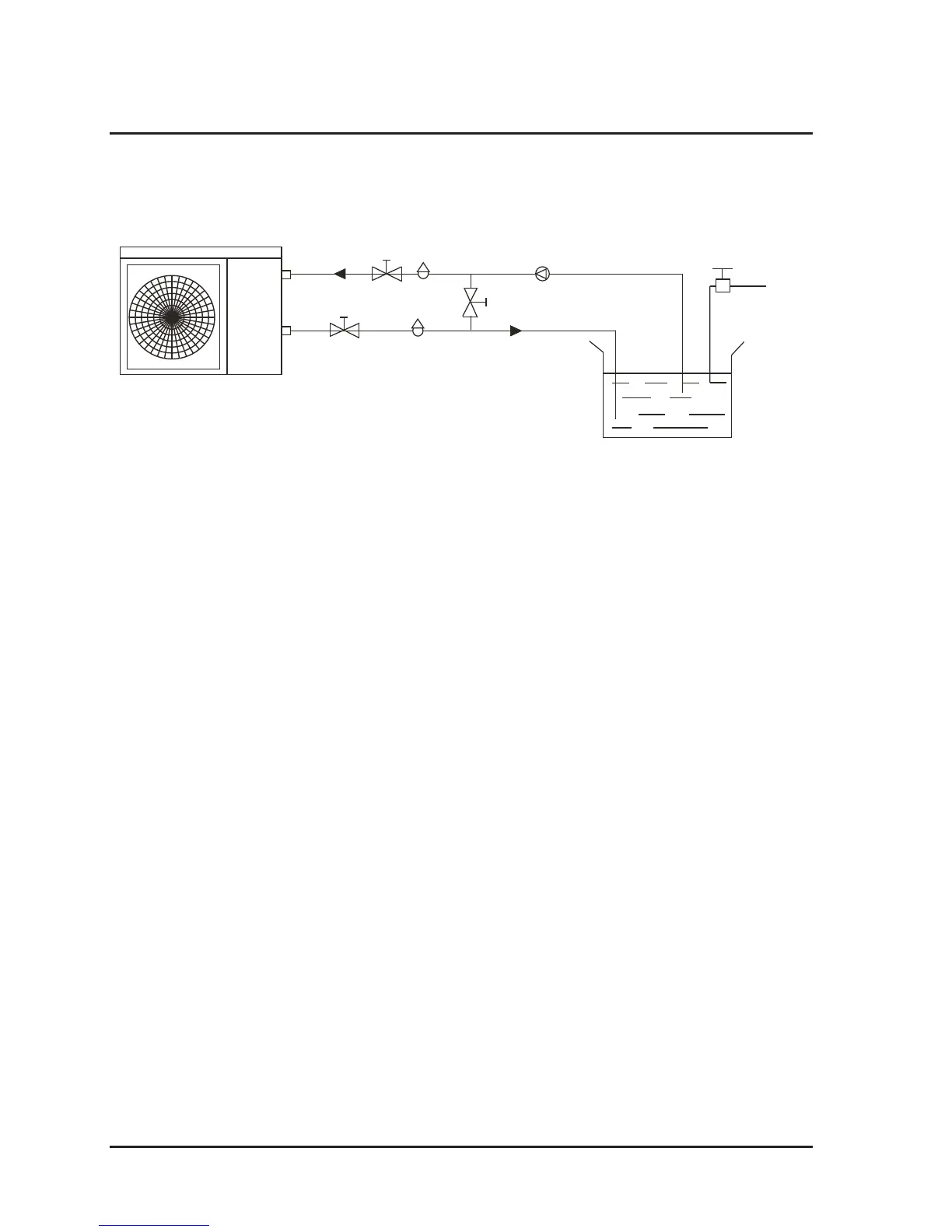
3.1 Installation illustration
Installation items:
The factory only provides the heat pump unit; the other items in the illustration are
necessary spare parts for the water system, provided by users or the installer.
Attention:
Please follow these steps when using for the first time
1. Open valve and charge water
2. Make sure that the pump and the water-in pipe have been filled with water
3. Close the valve and start the unit
ATTN: It is necessary that the water-in pipe inlet be higher than the pool surface.
Installation must be performed in accordance with the requirements of NEC and CEC
by authorized personnel only.
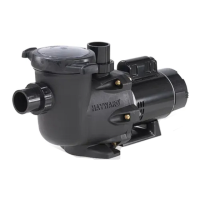
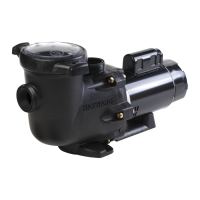
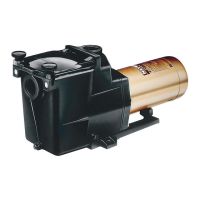
(optional)




 To Next Page