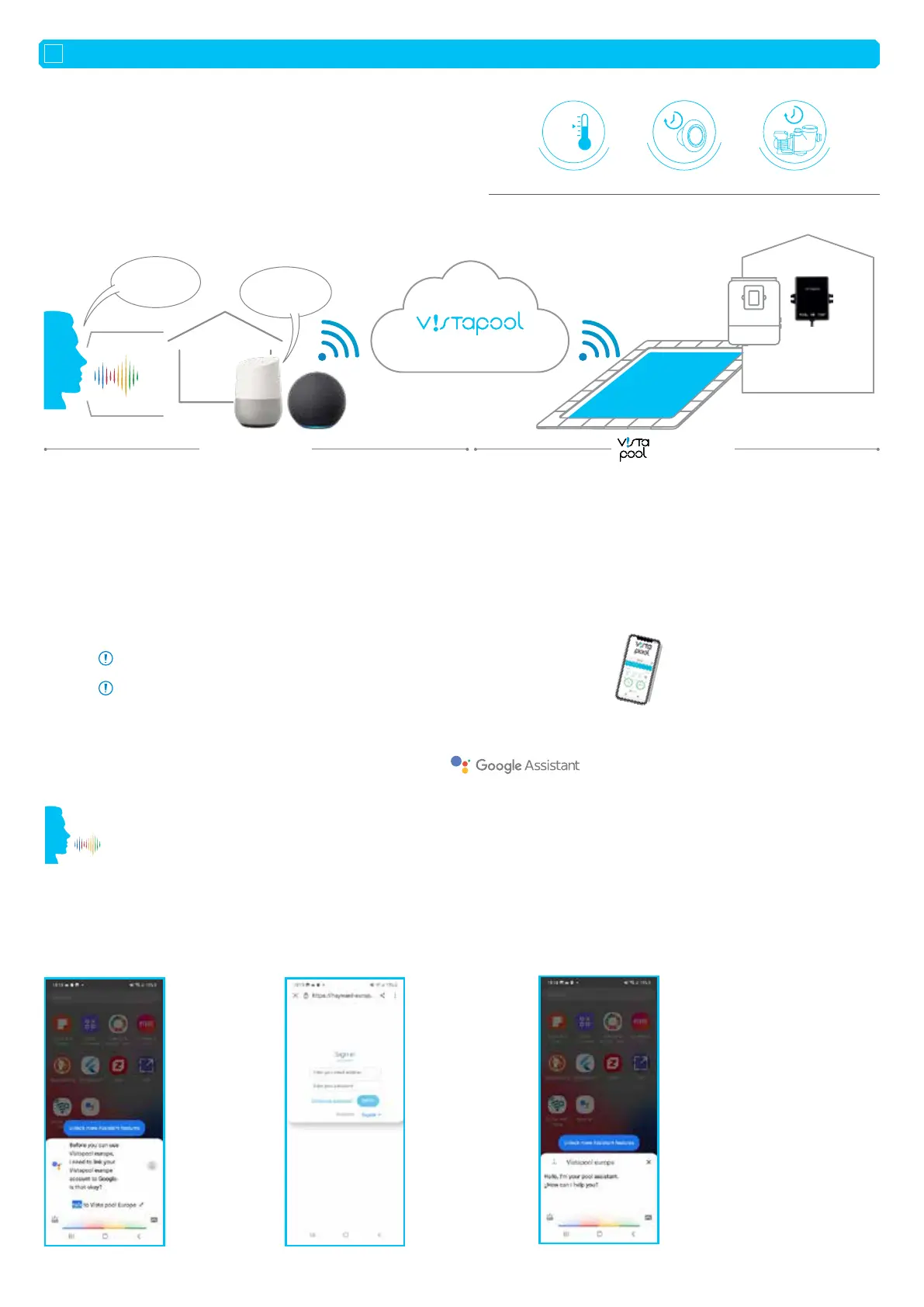
• The purpose of this document is to explain the process of pairing your
user account with the voice command systems proposed by Google and
Amazon.
• The process of pairing your account with voice command is identical for
both platforms (Google and Amazon).
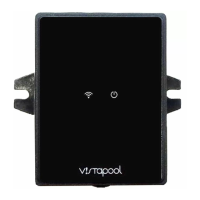
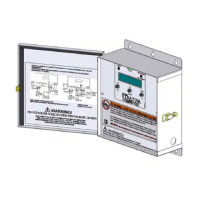
• Your salt chlorinator must be connected to the Vistapool platform before
you begin.
• It is important to distinguish between the private user account and the Vistapool Europe platform account.
• The private user account (e.g.: myaccount@gmail.com) is used to download and install the Google/Amazon apps, such as the Google
Assistant and Amazon Alexa voice command assistants.
• The account on the Vistapool Europe platform (e.g.: myotheraccount@poolmaintenance.com) is used to access data about the pool(s)
connected to this account.
• The login details for these two accounts may be the same.
• It is not necessary to have a mini-speaker. This also works from your smartphone.
1. Download and/or open the Google Assistant app on your smartphone.
2. To open your pool assistant
(see image 1), say “Hey Google,...”
”Talk to Vistapool Europe”
”I want to talk to Vistapool Europe”
3. The first time you open the app, you will be asked to register using your Vistapool Europe platform username
(see image 2)
(e.g.: myotheraccount@poolmaintenance.com). When the account is correctly associated, a message appears (see image 3).
This process must be performed once and is not necessary for subsequent uses.
Open your App: “Hey Google, talk to Vistapool Europe” and communicate with your pool.
Image 1
Image 2: Login page
for the Vistapool
Europe platform
Image 3: user registered
correctly
INSTALLATION GUIDE FOR VOICE COMMAND
2. DIAGRAM SHOWING THE PROCESS OF CONNECTION TO YOUR VOICE COMMAND ASSISTANT:
1. INTRODUCTION:
IMPORTANT INFORMATION BEFORE BEGINNING THE CONFIGURATION PROCESS:
3. FIRST CONNECTION TO VISTAPOOL EUROPE AVEC GOOGLE:
EN
Control your pool equipment with Alexa and Google Assistant
“Ok Google”
“Alexa”
+5°
H
E
A
T
I
N
G
C
O
N
T
R
O
L
L
I
G
H
T
I
N
G
C
O
N
T
R
O
L
F
I
L
T
R
A
T
I
O
N
C
O
N
T
R
O
L
“The water
temperature
is 25ºC!“
S
u
s
t
a
i
n
a
b
i
l
i
t
y
S
a
n
i
t
i
z
a
t
i
o
n
E
f
c
i
e
n
c
y
PLATFORM
•
Private sphere
myaccount@gmail.com myotheraccount@poolmaintenance.com
Europe sphere
“What is the
water
temperature?”












 To Next Page