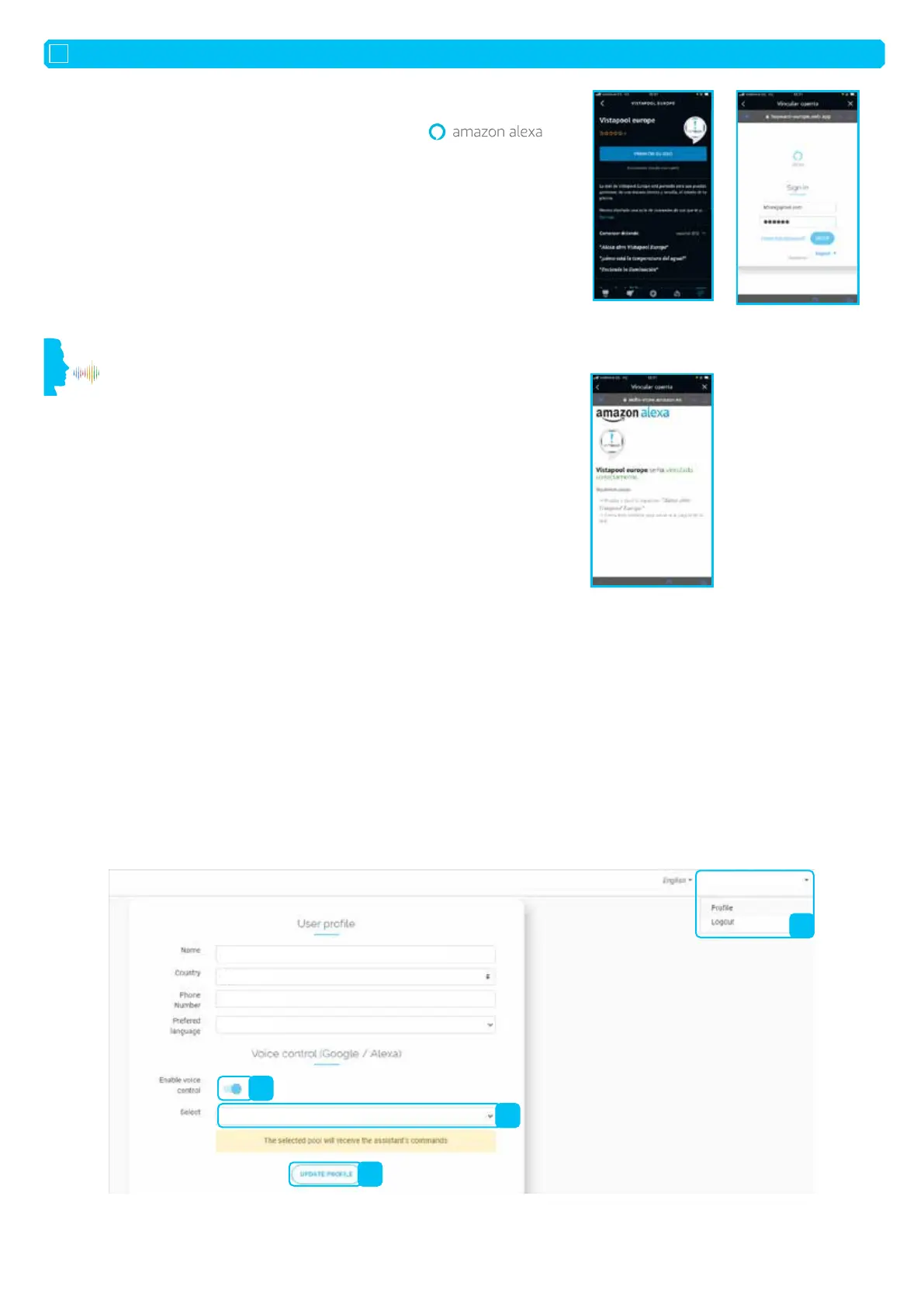
Image 1:
Detail of the technical
information sheet
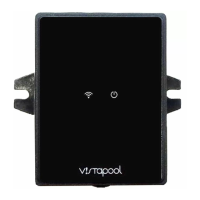
Image 2:
Login page for the
Vistapool Europe platform
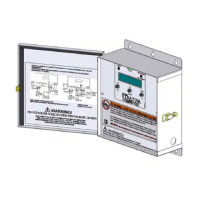
Image 3 :
user registered
correctly
INSTALLATION GUIDE FOR VOICE COMMAND
EN
1. Download and/or open the Amazon Alexa app on your smartphone.
2. Go into the app and open the “More” menu at the bottom right-hand corner of the screen.
3. Selection the “Skills & games” option.
4. From the “Discover” menu at the top of the screen, search for the “Vistapool Europe” app.
5. Look at the app description (see image 1).
6. Start the app installation.
When the app is installed on your voice assistant, you can start to interact.
7. To start your pool assistant, say “Alexa,...”
”Talk to Vistapool Europe”
”I want to talk to Vistapool Europe”
8. The first time you start the app, you will be asked to register using your Vistapool Europe
platform username
(see image 2) (e.g.: myotheraccount@poolmaintenance.com).
When the account is associated correctly, a message appears (see image 3).
This process must be performed once and you will not be asked to repeat it. Start your
app: “Alexa, talk to Vistapool Europe” and communicate with your pool.
If you have several pools connected to your Vistapool Europe username (e.g.: myotheraccount@poolmaintenance.com), you can choose which pool
to communicate with from the web interface. Otherwise, this step is not necessary.
Procedure:
On the website, click on the arrow to the right of your username and
1. Click on Profile.
2. Activate the voice command.
3. Select the right pool.
4. Click on Update profile.
4. FIRST CONNECTION TO VISTAPOOL EUROPE WITH AMAZON:
5. SELECTING THE POOL CONNECTED TO THE VOICE ASSISTANT IF SEVERAL POOLS ARE ASSOCIATED:
2
1
3
4
......................................................................
......................................................................
......................................................................
......................................................................
Pool (xxxxxxxxxxxxxxxxxxxxxxxx)
myotheraccount@poolmaintenance.com












 To Next Page