Calibration
WTX120 A4500-1.1 HBM: public 141
11.10 Reset Parameters
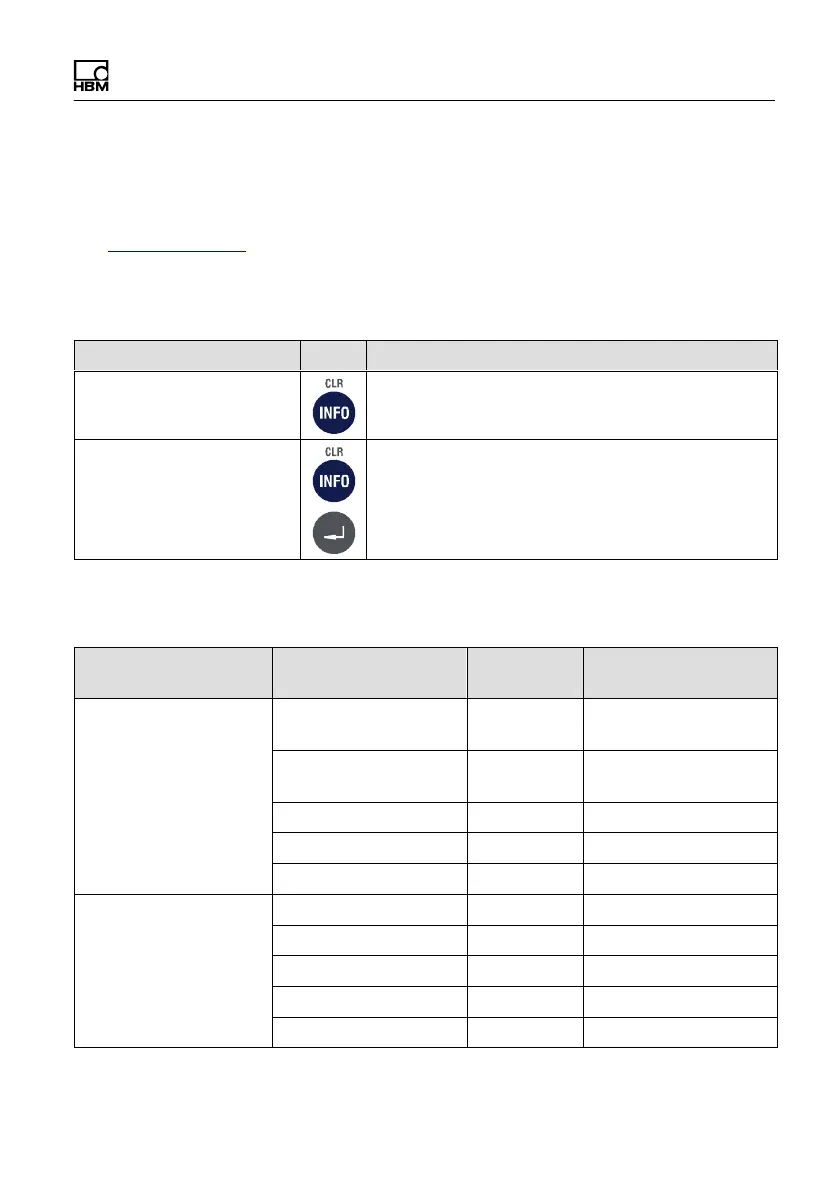
For more information on the keys necessary to access this menu group, go to
the Navigation Pilot.
With this menu group you can reset the parameters of the A/D converter to
default values. The associated scale must then be recalibrated.
Menu Key Function/Secondary selection
Select Group 1-9 Press 7 times for group 7 Reset Parameter
Reset Parameters? N Y Reset parameter
N Do not reset parameter
The following table lists default values of the Calibration group to which
Reset Parameter resets.
Group Parameter Default
value
Your calibration
1 Scale Parameters Single/Dual/Triple
Range
Single
Range
One/Two/Three
Intervals
One
Interval
Capacity 3000
Interval 1
Unit kg
2 Calibration Geo Value 20
Zero (mV/V) W1 0.00000
Load (mV/V) W1 2.00000
Zero (mV/V) W2 0.00000
Load (mV/V) W2 2.00000


 To Next Page