Section Header
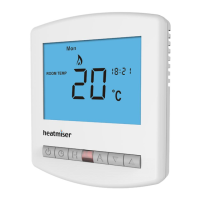
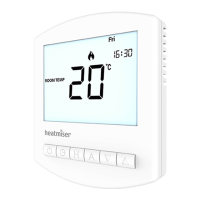
Model: Slimline-RF
10
Pairing With the RF-Switch
With the thermostat turned OFF:
• Press & hold the Clock button until you see two sets of numbers appear ...
• The small number 01 in the top right corner of the LCD is the feature number.
• Press Clock repeatedly until you see feature 06 (Receiver Type) .....................
The options within feature 06 are: 00 = UH8-RF or 01 = RF-Switch receiver.
• Use the Up/Down keys to set feature 06 to 01 (RF-Switch) ......................
• Press Clock again until you see feature 07 (Receiver Address) ........................
• You can now select a Receiver Address from 01-32.
• Use the Up/Down keys to set feature 07 to 01 ..............................................
(You must set a unique receiver address for each receiver installed).
• Press A to confirm settings and the display will go blank .................................
• If in mode 02, the hot water will automatically be paired to HW2.
If using with the UH8-RF wiring centre, turn to page 11.




 To Next Page