Section Header
Model: Slimline-RF
14
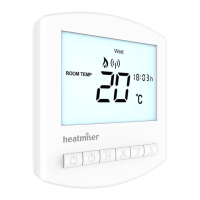
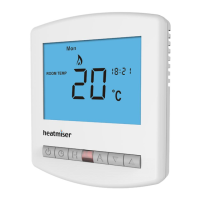
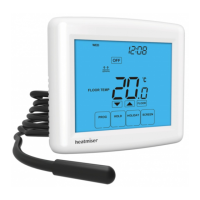
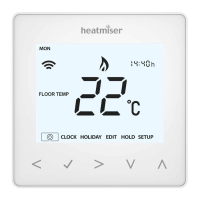
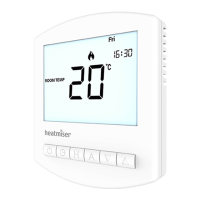
1. Room Temp - Indicates the current temperature sensor mode.
2. Day Indicator - Displays the current day.
3. Frost Icon - Displayed when the thermostat is in frost protection mode.
4. Flame Icon - Displayed when the thermostat is calling for heat, flashes when the
Optimum Start function is in operation.
5. RF Icon - Flashes when the thermostat communicates with the receiver.
6. Temperature Hold - Displayed when manually overriding the program, “HOLD
FOR” and the time period are displayed.
7. Set - Displayed when changes are made to programs or temperature set points.
8. Holiday Indicator - Displayed when the programmer is in holiday mode.
9. Current Temp - Indicates the current sensor temperature.
10. Program Cycle Indicator - Displayed during programming only to show which
period is being altered.
11. Battery Level - Indicates when the batteries require replacement.
12. Keypad Lock Indicator - Displayed when the keypad is locked.
13. Units of Temperature - Degrees Celsius or Fahrenheit.
14. Timer Status – Displays the current state of the timed output.
15. Clock - Digital clock display in 24h format.
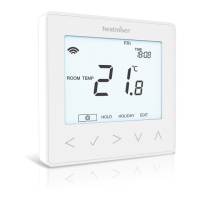
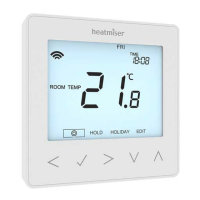
LCD Display




 To Next Page