8
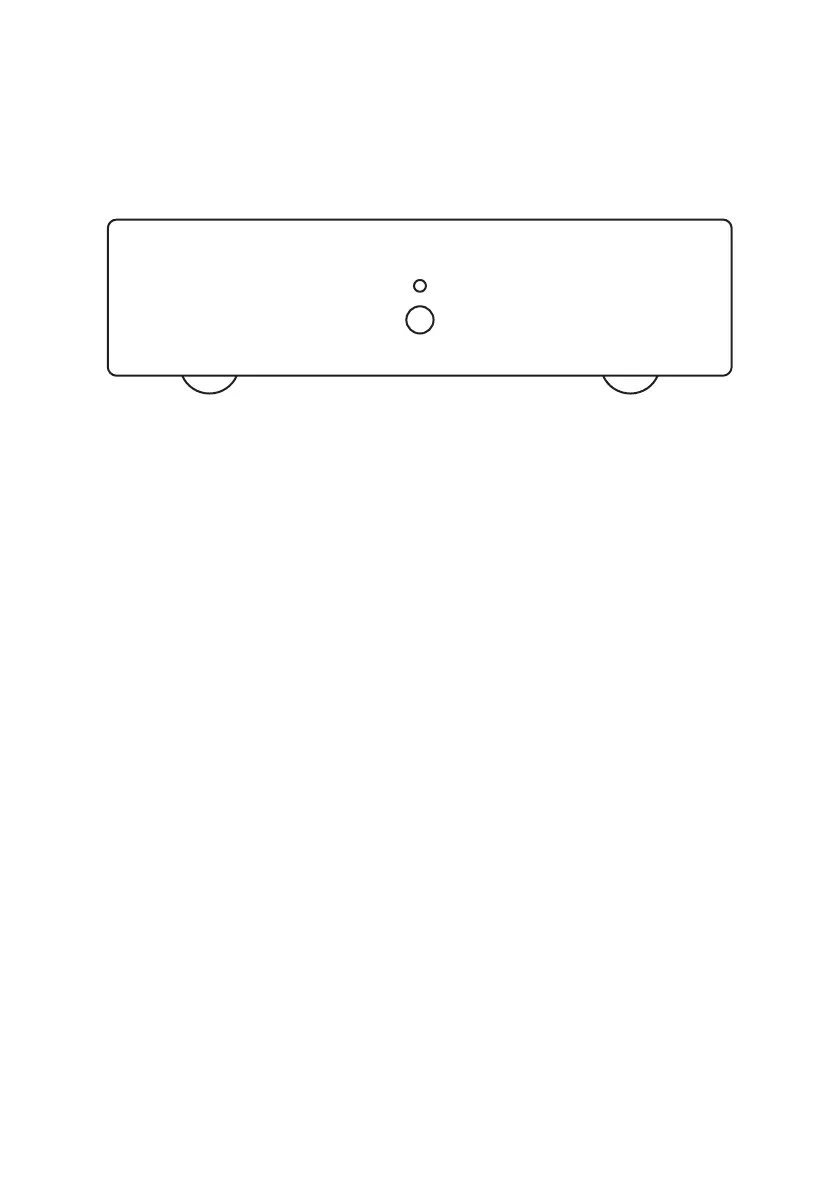
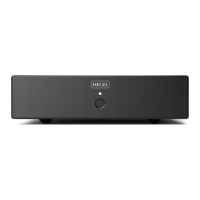
Power Button
The phono pre-amplifier is switched on and
off by pushing the button on the front panel.
NOTE: When powering up, the outputs
are muted and the light flashes. This is to
ensure that the ultra-low noise power sup-
plies are stable before use.
Auto off
In compliance with the EU Energy Efficiency
Directive the V10 will automatically switch
off after 15 minutes without sensing a
signal.
The auto off has 3 modes:
1: Normal sensitivity
This is the default and recommended set-
ting
2: High sensitivity
Use this mode if the V10 switches off even
though you are playing music
3: Disabled
The V10 will not automatically switch off
Change auto off mode:
When powered on, press and hold the
power button. The light indicator will flash in
sequences one, two or three times indicat-
ing the corresponding auto off mode (1, 2
or 3). Keep holding the power button until
you have reached the required mode, then
release the power button. The light will
flash one, two or three times confirming the
chosen mode.
DIP switches
On the back of the phono pre-amplifier
there are two rows of DIP switches - one for
each channel. These are used for matching
the V10 to your cartridge. Please consult
your cartridge data and page 10-11 in this
manual for the correct settings.
NOTE: When adjusting the DIP switches,
make sure the power is turned off.
General Use


 To Next Page