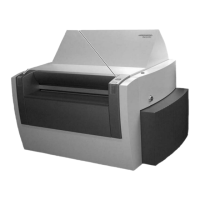
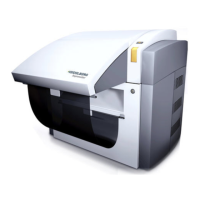
µPG 501
32 User Guide
Troubleshooting and Maintenance
This section contains advice on some possible problems that might be encountered
during operation of the µPG 501. If you encounter a problem that cannot be solved in
this way, please contact your Heidelberg Instruments service office (see section
Contact in the preface).
FUNCTIONAL PROBLEMS
Problem:
System does not start at all, power indication lamp off
Possible causes:
- facility power down
- main fuse blown (see section ‘fuses’)
Remedies:
- check facility power
- check fuse
Problem:
CAD design / LIC file folder cannot be found
Possible causes:
- stored in the wrong directory
- wrong name chosen
Remedies:
- make sure the design is stored in
C:\HIMT\designs
and the name of the LIC target
directory complies with the file name rules of Linux and Windows (no distinguishing
between capitals and normal letters)
Problem:
Exposure does not start
Possible causes:
- air pressure low
- lid not closed properly
- design data directory was renamed, or contents have been corrupted
- software hung up
Remedies:
- check air pressure (see system installation instructions on required values)
- check on interlock lamp
- reconvert design
- reboot system
Problem:
Exposure was interrupted, stage motors are disabled
Possible causes:
- air pressure low
- lid was opened
- motor capability to maintain stage speed against vibration / shock was exceeded


 To Next Page