All red wires should be connected.
All blue wires should be connected.
If a short circuit occurs when the loco is running onto the bridge, the wires in screw terminal 1 and 2 should be
reversed.
Finish by vacuuming and cleaning your Turntable.
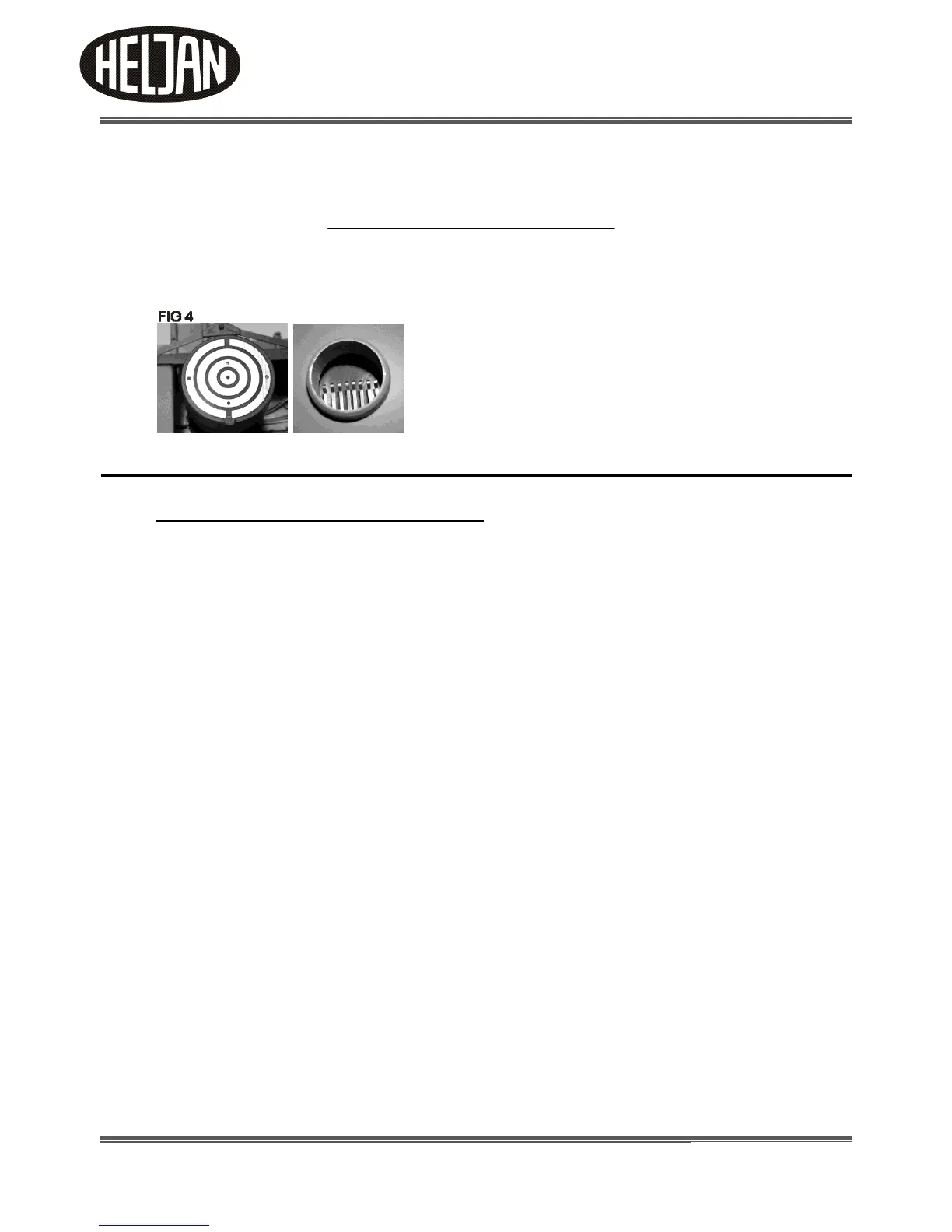
Clean the contacts in the pit and on under the bridge. See Fig. 4
Contact under bridge: Clean in Propyl Alcohol or similar
and finish by wiping with a dry cloth.
Contacts in Pit: Clean in Propyl Alcohol or similar. Use a
cotton bud and be careful, not to bend the contacts,
because this may affect the contact to the bridge.
It is important that the power is switched off when you
clean the contacts
5. Functions and overview of the Control Box
Operational overview
The electronic control integrated into the Control Box for the turntable has the following characteristics:
Analogue and digital operation
The turntable can be used on analogue model railway layouts as well as digital model railway layouts run in DCC
format. In analogue operation the turntable is run via the control box. In digital operation it is possible to remote-
control the turntable from a digital control unit via the Control Box.
The electronic control automatically recognizes the operational mode (analogue or digital) and the digital format
DCC that is run. Please note, that it is only possible to set track positions via the Control box.
Settings
The electronic control allows you to define up to 48 individual stops of the bridge.
Please note: Stops can be added or deleted separately at any time. Also please note, that when a
position/stop is set, a 180 degree position/stop, from current position, is automatically set.
Running
The motor running the bridge is driven with a starting and braking delay that replicates the
operational characteristics of the prototype.



 To Next Page