25
Touch PRG To select Weekly program
Touch
To select Reservation function (ASC mode) /
Window detection
Touch
To select the working mode:
Comfort mode/ Economic mode/ Fan mode
Touch
Standby
Touch /
Set the time, day of the week, the temperature; or
under weekly personalized programs, to choose
between comfort mode, eco mode or standby
mode.
HOW TO USE
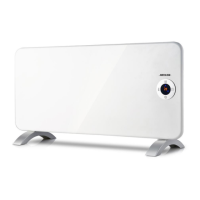
Push the ON/OFF (0/I) button located at the back of the appliance to switch on the appliance.
Push again, if you want to switch off.
After you connect to the power supply and after that the clock is set, the device will be in
standby mode, and you can press the standby button to go to comfort mode.
Notes:
1. In case of power failure, the unit keep in memory only the parameters, temperature and operating
mode. When power is restored, the clock will be adjusted again to operate properly the weekly
programs.
ASC mode will not be to memoried in case of power failure.
2. When the appliance enters standby mode or heater stops working because room temperature is
higher than set temperature, the fan will still work for additional 15 seconds.
Temperature setting
Press / to set the temperature between 5°C and 35°C for comfort mode. Since the
temperature difference between ECO mode and COMFORT mode is 3.5°C, the
temperature range in ECO mode will be between 1.5°C and 31.5°C.
Press other buttons except / to finish the setting, or after 5 seconds it will automatically
finish.
Time setting
Press and at the same time to start the time setting. Press to toggle among
hour/minute/week. Press the to set the hour/minute/ week. Press other buttons except
/ to finish the setting, or after 10 seconds it will automatically finish.
M button
Press M button to toggle among the modes: Comfort mode , Economic mode and fan
mode .
26
Remarks: Under comfort mode and Eco mode , the appliance will stop working once the
set temperature is reached while fan keeps working for additional 15 seconds. When the room
temperature is lower than set temperature, the appliance will heat up again.
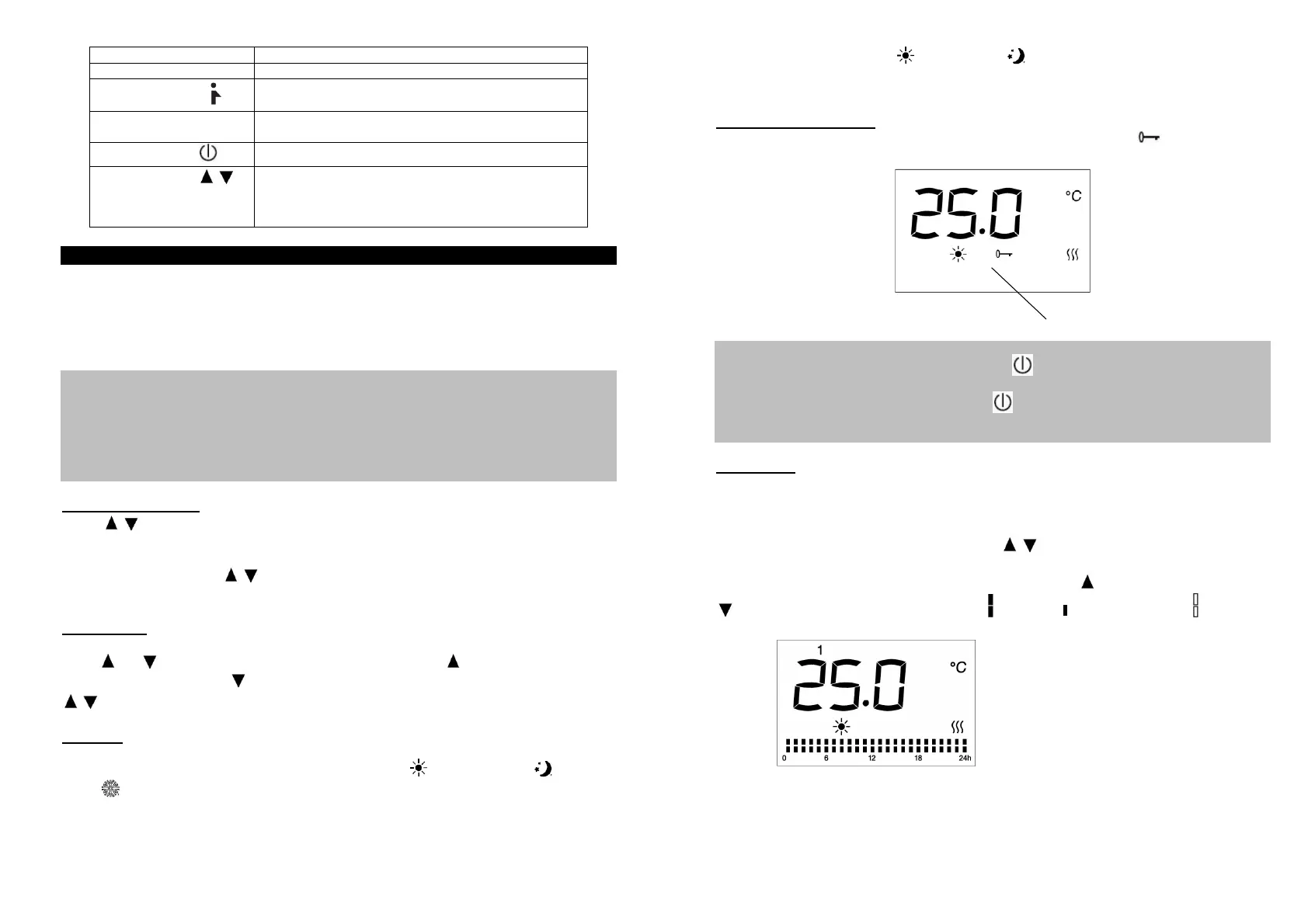
Keyboard lock function
Press
M
button for three seconds to activate the keyboard lock function , in order to
unlock, press
M
again for three seconds.
Remarks:
1. The keyboard lock function doesn’t lock the standby button.
2. The keyboard lock function will automatically be deactivated under below circumstances.
1) the appliance is turned off by pressing standby button.
2) the appliance suffer power disconnection
You need to set again by pressing M for 3 seconds if you need this function.
PRG button
Press button PRG to Set the programs
Press PRG button to select between “day (1-7)” and “heating mode of different period (00:00-
24:00)”.
Select the desired day of week (1-7) by pressing / button.
Press PRG to move to the setting of “heating mode of different period (00:00-24:00)”. When
setting “heating mode of different period (00:00-24:00)”, press button to choose hours, and
to choose among function modes: comfort , economic , and stand by mode . After 30
seconds it will automatically save program settings.
Keyboard lock


 To Next Page