10
tap again to cancel Repeat mode (REPEAT INDICATOR will be OFF).
PROGRAM function
In stop mode, tap once to enter PROGRAM mode:
For CD/CD+G tracks:
tap NEXT or PREV BUTTON to select the desired song;
tap the 10+ BUTTON to skip forward by 10 songs at one time.
For MP3/MP3+G tracks:
you may additionally tap PAGE LIST + or PAGE LIST – to skip forward or
backward by one screen page at a time.
Tap PROGRAM BUTTON to confirm selection and proceed to next track.
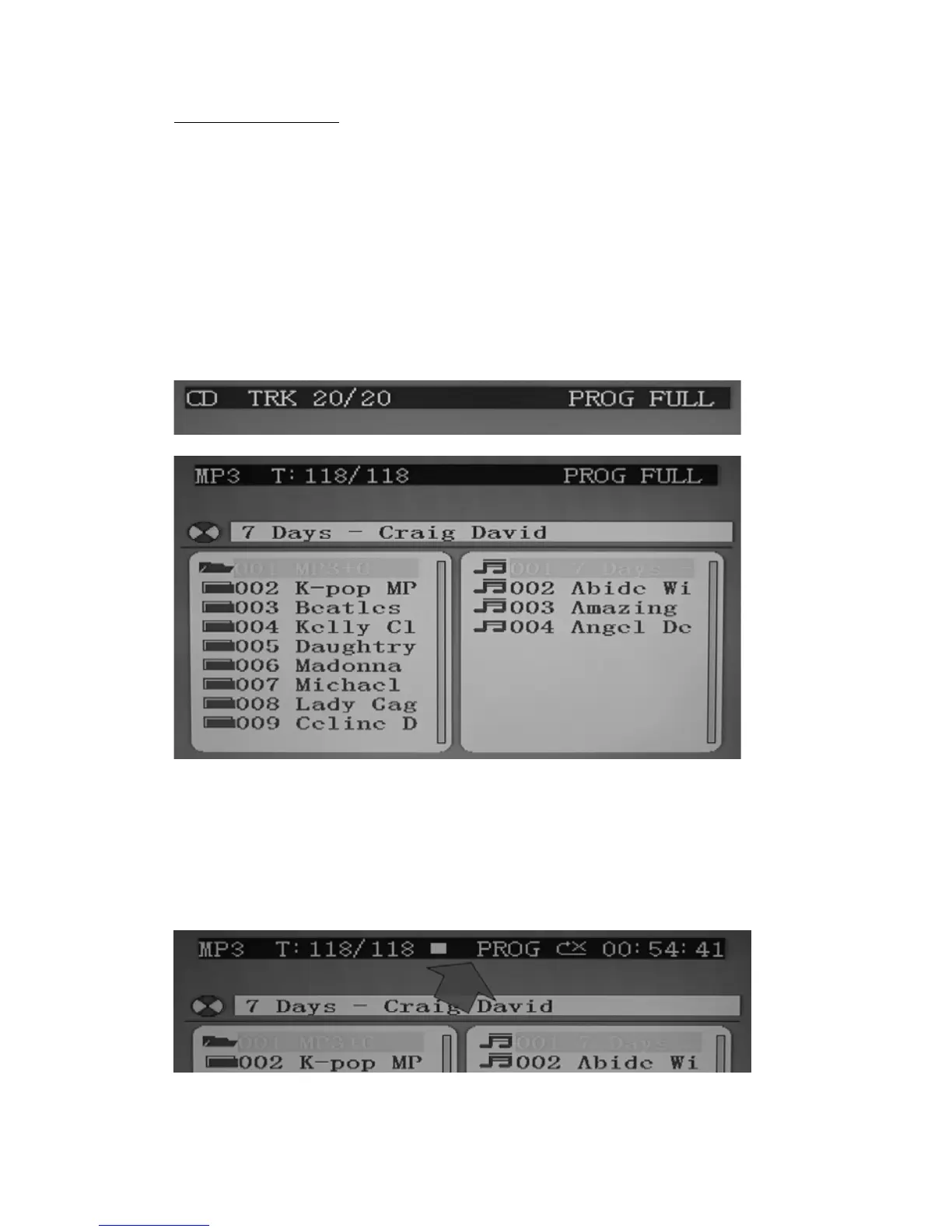
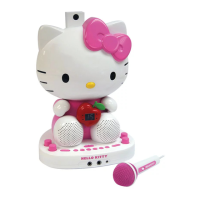
Up to 20 tracks can be programmed. If you attempt to program more than 20
tracks, “FU” will appear in the LED DISPLAY and “PROG FULL” will appear on
the TV screen as shown below (if connected).
Program Play mode:
When finished programming, tap PLAY BUTTON to confirm and start program
play. The PROG INDICATOR in the LED DISPLAY will light. While playing, you
may tap the NEXT or PREV BUTTON to skip to a desired song in the program list.
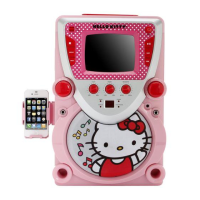
To stop program play temporarily, tap the STOP BUTTON once. The PROG
INDICATOR in the LED DISPLAY and TV screen (as shown below) will remain
ON.


 To Next Page