13
♦ Plug in the included MICROPHONE into either the MIC 1 or MIC 2 JACK.
Note: Always set the mic to OFF before you are ready to sing to avoid possible
sharp feedback noises.
FROM CD+G, CD, CD-R/CD-RW OR USB FLASH DRIVE WITH MP3/MP3+G
FILES
1. Set the FUNCTION SELECTOR to “CDG”.
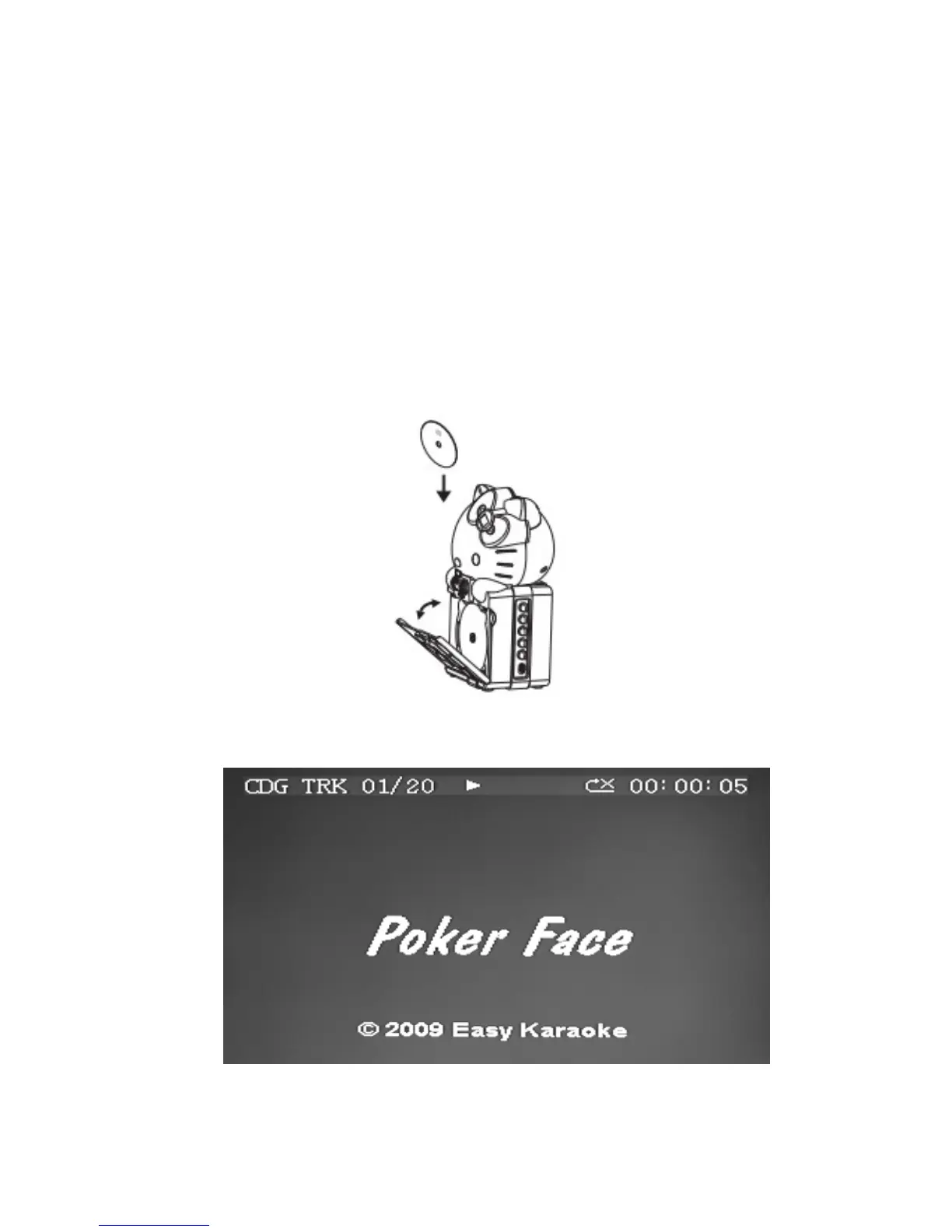
2. Load a CD/CD+G disc as follows:
a) Grip the top right edge on the CD DOOR where indicated and pull gently to open
it. The LED DISPLAY will display “OP”.
b) Load a disc vertically into the compartment with the printed side facing you.
c) Gently close the CD DOOR. The unit begins to read the disc. The LED DISPLAY
will display the total number of tracks. (If no disc is loaded or the disc cannot be
recognized, “No” will be displayed in the LED DISPLAY).
d) When a CD+G disc is detected and being played, the CDG INDICATOR in the
LED DISPLAY will light.
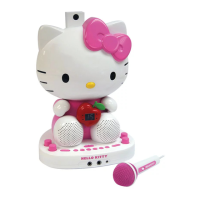
3. Press PLAY/PAUSE BUTTON to play the disc. If a CD+G track is being played, the
following TV screen will appear.


 To Next Page