15
PLEASE READ THIS IMPORTANT INFORMATION
CD mechanisms used in devices like this are designed to fully read all commercial CDs.
They will also read self-compiled CD-R/CD-RW discs but it may take up to 10 seconds
for playback to start. If playback does not start, it is likely due to the quality of the
CD-R/CD-RW disc and/or the compatibility of the CD compilation software.
Manufacturer is not responsible for the playback quality of CD-R/CD-RW discs.
Do not attach a label or seal to either side of the CD-R/CD-RW disc. It may cause a
malfunction.
This unit is designed to play CDs bearing the identification logo
or . If CDs
do not conform to the CD standard, they may not play properly.
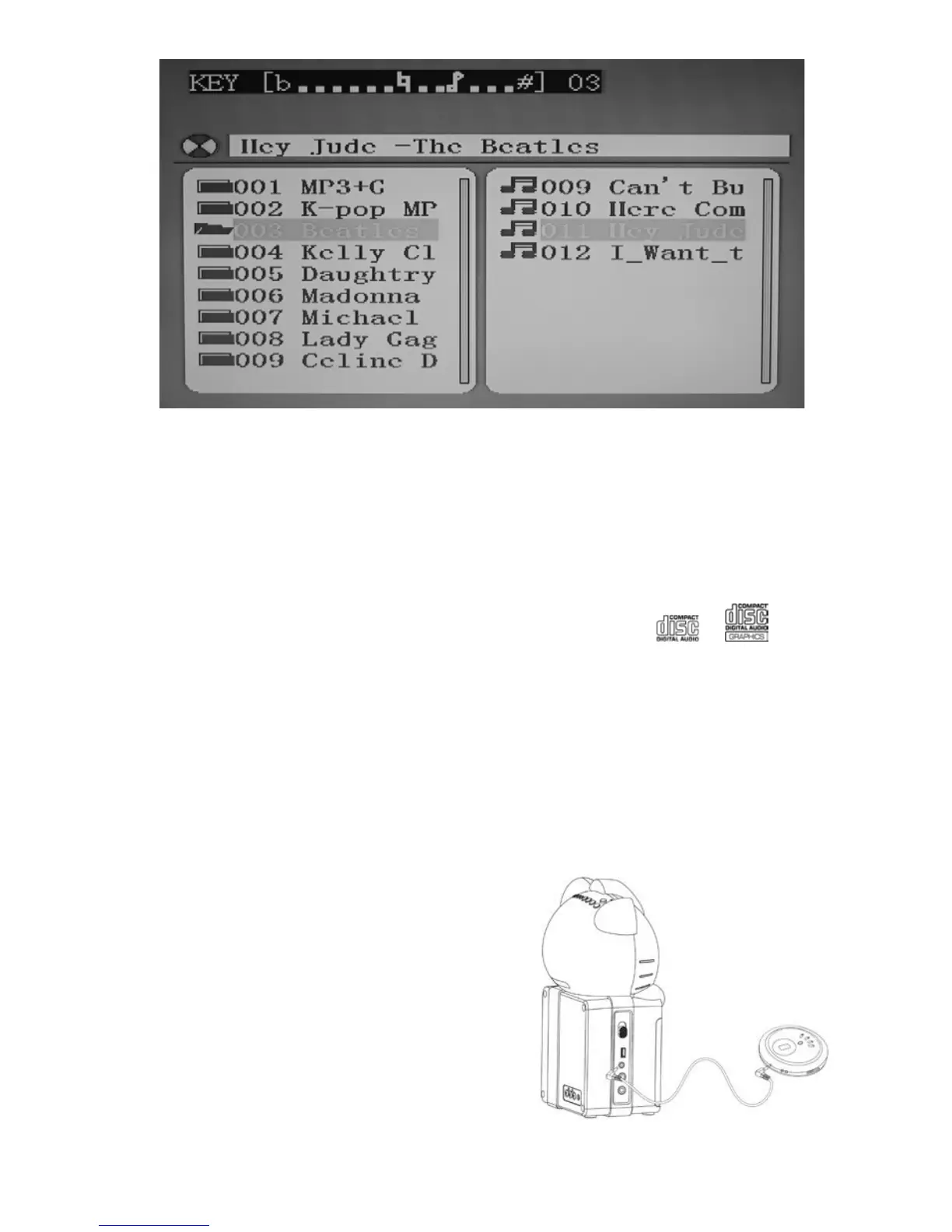
NOTES ON CD, CD+G, CD-R/RW OPERATION
♦ Do not apply excessive force or press the CD DOOR while it is playing.
♦ Never place anything except a compact disc in the disc compartment. Foreign
objects can damage the unit.
♦ Only load one disc into the disc compartment at a time.
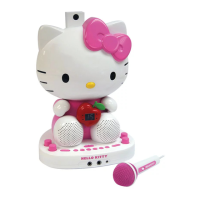
FROM AUX INPUT
1. Set the FUNCTION SELECTOR to “AUX IN”.
2. Connect the line out or headphone jack of
your external audio device (e.g. a CD player,
MP3 player, iPhone, iPod, etc…) to the unit
with a suitable audio cable (not included).
3. Select your favorite song on your external
audio device to play. You may need to adjust
the output volume of your external audio
device if the headphone jack is used for
making the connection.


 To Next Page