11
Tap PLAY BUTTON to resume program play.
Note: if you tap the STOP BUTTON twice consecutively, you will cancel program
play and erase the program list permanently. The PROG INDICATOR in the LED
DISPLAY and TV screen will go OFF.
Program Review:
In stop mode, you can review the program list by pressing the NEXT or PREV
BUTTON.
9. 10+ BUTTON
During MP3/MP3+G playback, tap once to skip forward by10 songs each time.
10. DKC+/PAGE LIST+ BUTTON
DKC+ function
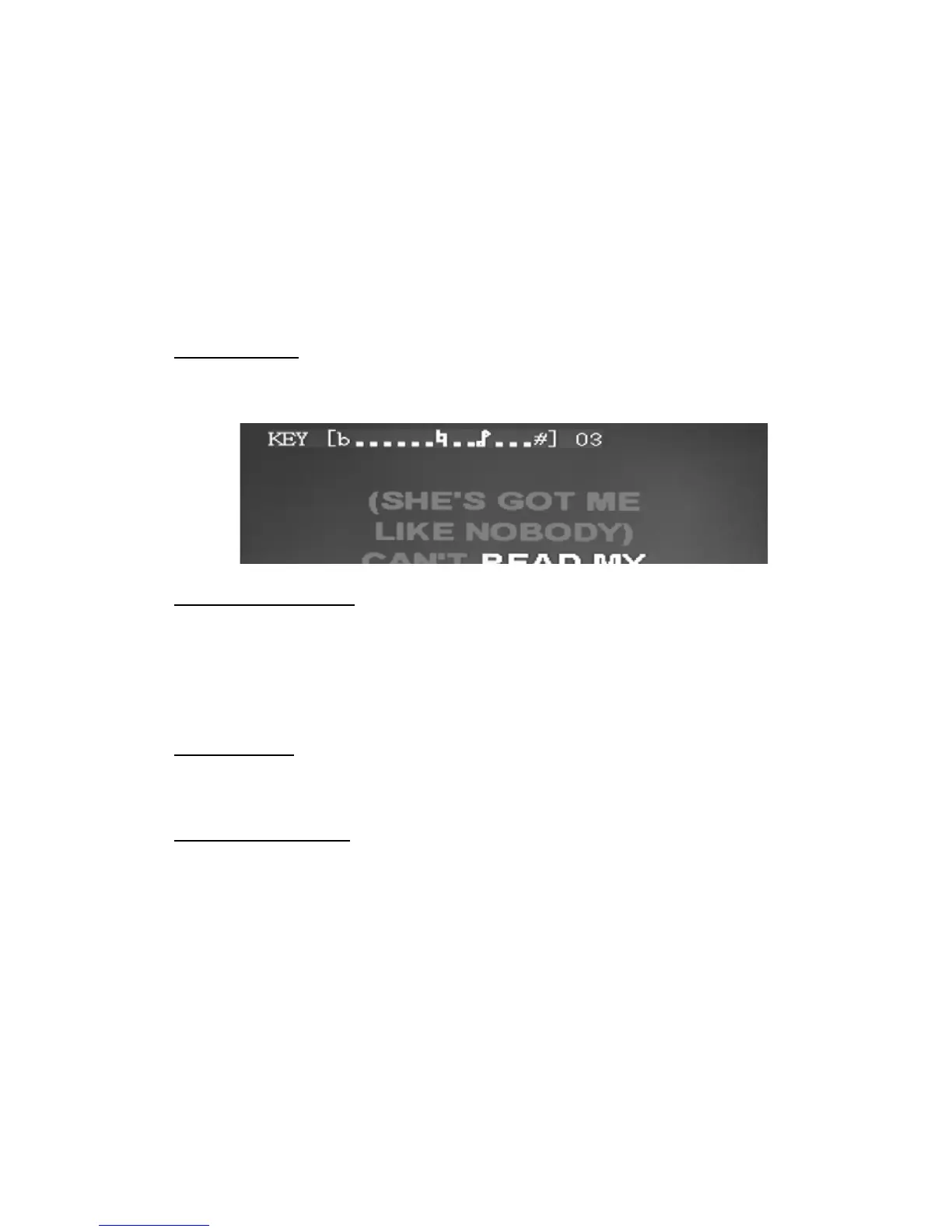
During playback of songs from CD/CD+G disc or USB flash drive, tap once to
increase the digital key by 1 step up to a maximum of 7 steps.
PAGE LIST+ function
During stop mode of MP3/MP3+G playback, tap once to navigate to the next
directory (or folder/album) on the left hand column of the following menu. The right
hand column will show the first 9 songs in the current folder/album. Tap again to
display more songs until all songs in all folders/albums are displayed.
11. DKC-/PAGE LIST- BUTTON
DKC- function
During playback of songs from CD/CD+G disc or USB flash drive, tap once to
decrease the digital key by 1 step up to a maximum of 7 steps.
PAGE LIST- function
During stop mode of MP3/MP3+G playback, tap once to navigate to the previous
directory (or folder/album) on the left hand column of the menu. The right hand
column will show 9 songs of the current folder/album. Tap again to go back to the
previous folders/albums and display more songs.
INPUT FUNCTIONS
12. DC JACK
Connect the DC plug of the DC12V output AC Adapter (included) to this jack.
13. USB JACK
Connect a USB flash drive (FAT32 formatted) up to 32GB (not included) which
contains MP3/MP3+G files to this jack for playback.


 To Next Page