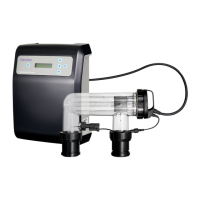
Henden Mineral and Salt Chlorinator Owners Manual
HENDEN INSTALLATION & OWNERS MANUAL | 13
5. AUTOMATIC TIME CLOCK
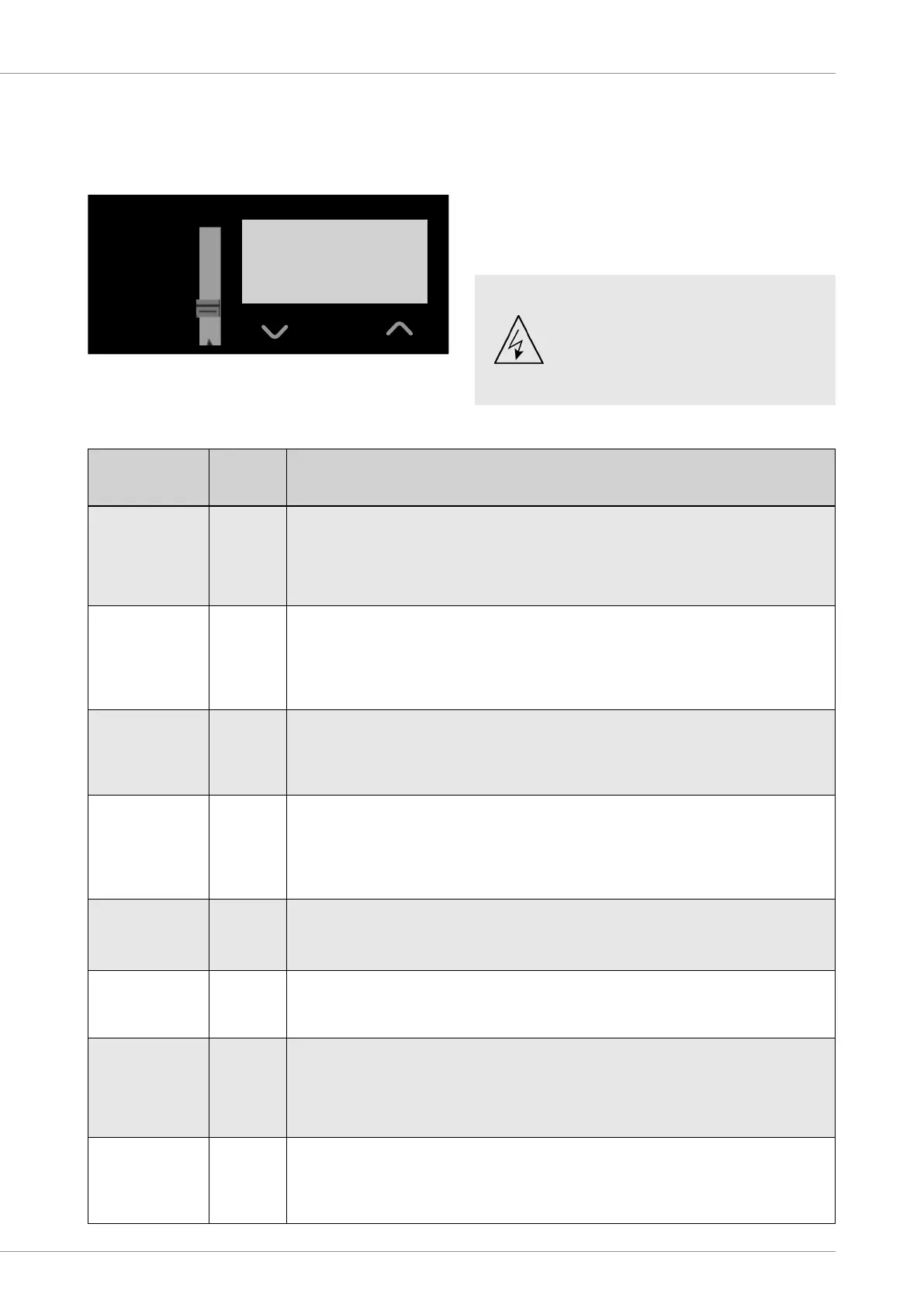
OPERATION
Timer Setting and Functions
NOTE: When you first turn on the power to the sanitiser, it
will take approximately 1min for the LCD to appear on the
screen.
SELECTOR SWITCH
POLARITY STATUS
FUSE 3A
A B
P/N: 15777
0% 100%
1
2
3
4
5
6
7
8
Clock
Timer 1 - ON
Timer 1 - OFF
Timer 2 - ON
Timer 2 - OFF
Automatic
Manual - ON
OFF
6
8:00
AM
Function
Description
Selector
Switch
Position
Functions and Instructions
Set Clock 1
SET THE CURRENT TIME ON THE DIGITAL CLOCK
Select the Clock position on the selector switch to enable the time of day to be input. A number ‘1’ will
appear at the left of the screen.
(a) The display will ash on and off as long as the selector switch remains at this position. Use the up
and down buttons to reach the desired times. Hold the buttons down for fast increments.
Set Timer 1 - ON
2
SET THE START TIME FOR THE FIRST RUN TIME SEQUENCE
Select the Timer 1-ON position on the selector switch. A number ‘2’ will appear at the left of the screen.
This time factory pre-set to 6am. Proceed as per (a) in the ‘Set Clock” instruction to change time.
To disable this timer, move up or down to 11:59PM. Press the UP button one more time to turn OFF.
NOTE: This step will also disable the time for ‘Set Timer 1 - OFF’.
Set Timer 1 - OFF 3
SET THE COMPLETION TIME OF THE FIRST RUN TIME SEQUENCE
Select the Timer 1- OFF position on the selector switch. A number ‘3’ will appear on the left of the
screen.
This time is factory pre-set to 8am. Proceed as per (a) in the ‘Set Clock’ instruction to change time.
Set Timer 2 - ON 4
SET THE COMPLETION TIME OF THE SECOND RUN TIME SEQUENCE
Select the Timer 2- ON position on the selector switch. A number ‘4’ will appear on the left of the screen.
This time is factory pre-set to 5pm. Proceed as per (a) in the ‘Set Clock’ instruction to change time.
To disable this timer, move up or down to 11:59PM. Press the UP button one more time to turn OFF.
NOTE: This step will also disable the time for ‘Set Timer 2 - OFF’.
Set Timer 2 - OFF 5
SET THE COMPLETION TIME OF THE SECOND RUN TIME SEQUENCE
Select the Timer 2- OFF position on the selector switch. A number ‘5’ will appear on the left of the screen.
This time is factory pre-set to 11pm. Proceed as per (a) in the ‘Set Clock’ instruction to change time.
Automatic ON 6
FILTRATION SYSTEM SWITCHES ON AND OFF AUTOMATICALLY ACCORDING TO YOUR SET
TIMES
Select the Automatic ON position on the selector switch. A number ‘6’ will appear on the left of the screen.
Manual ON 7
OVER-RIDES THE AUTOMATIC TIME CLOCK SETTINGS
& SWITCHES FILTRATION SYSTEM ON
Select the Manual ON position on the selector switch. A number ‘7’ will appear on the left of the screen.
NOTE: Sanitisation will be constant until turned OFF or back to Automatic ON. Over sanitisation may
occur if left for long durations
OFF 8
OVER-RIDES THE AUTOMATIC TIME CLOCK SETTINGS
& SWITCHES FILTRATION SYSTEM OFF
Select the OFF position on the Selector switch. A number ‘8’ will appear on the left of the screen.
NOTE: Filtration & sanitisation will cease. Not recommended for long durations.
IMPORTANT. Certain local electrical
regulations state “If the supply cord
is damaged, it must be replaced by
a special cord available from the
manufacturer or its service agent”.



 To Next Page