112
| hexagon.com
Photogrammetry-Operation Workflow
9. OTHER FUNCTIONS
STEP THREE: Take photos of Scale Bars
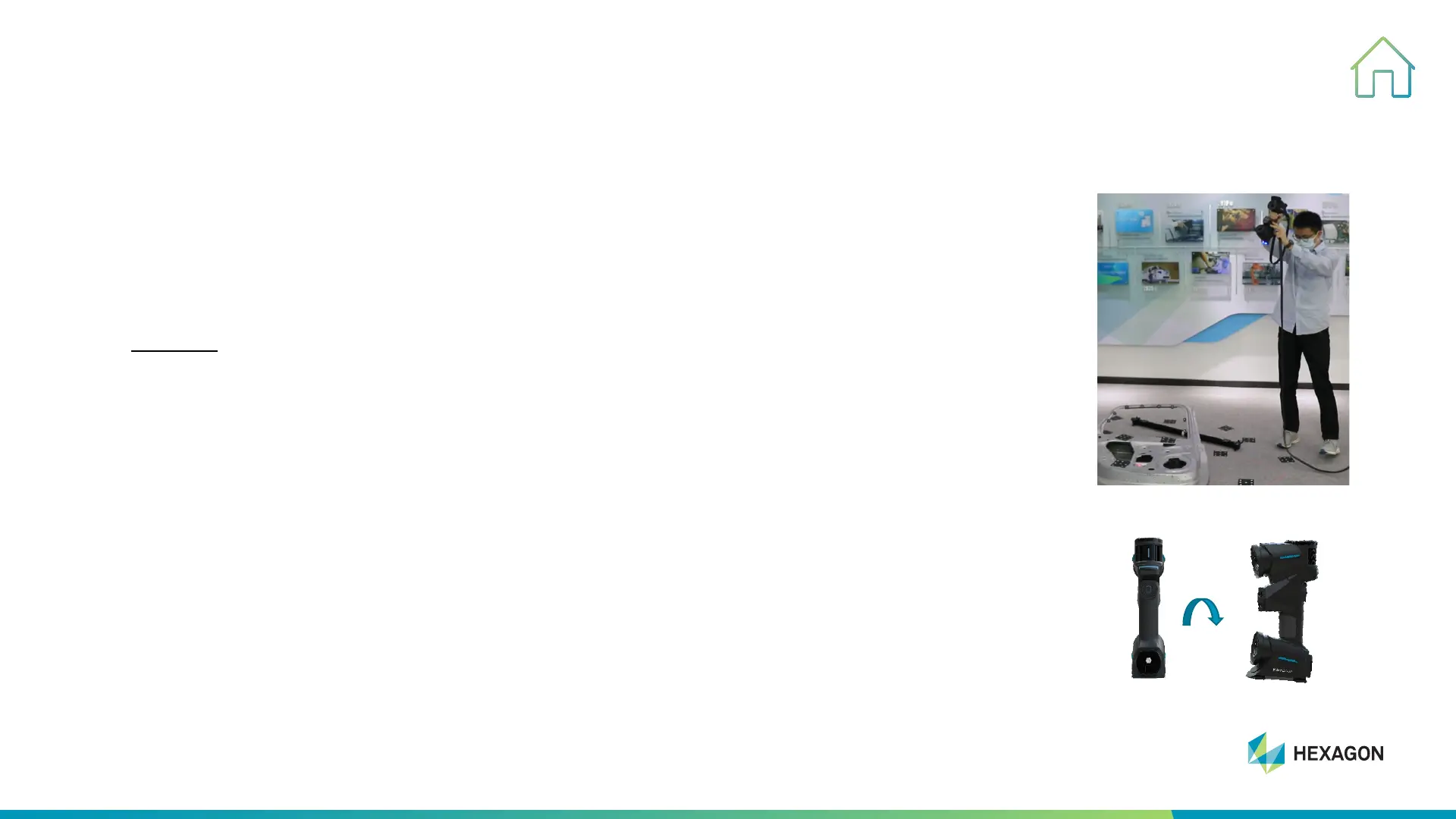
#1, Face third camera vertical to the control bar as show in the picture, and keep
indicator red dot projecting on the control bar and keep red box covered whole scale
bar, left
click (˂) to take one picture
#2, Rotate scanner 90° at same position clockwise and take second picture while keep
third camera capture the whole control bar, the encode TARGETs will be captured and
appear in the software
#3, Repeat above two process to take 4-6 pictures of control bar from different direction
#4, Ta k e pictures starting from the control bar to the checking bar until two scale bars
appear in the software
90°



 To Next Page