63
| hexagon.com
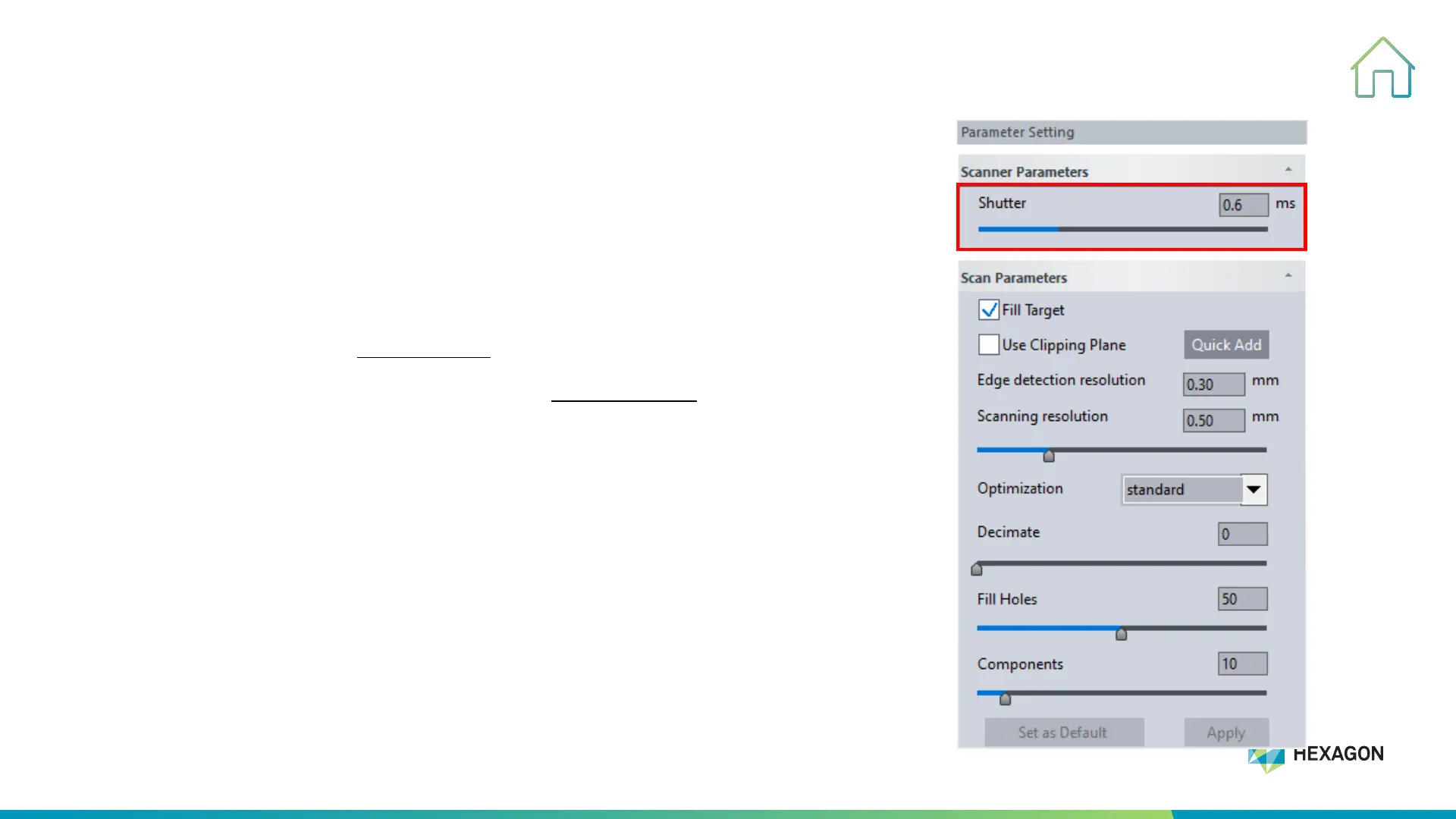
Shutter Setting
5. SCANNING PROCESS
• Shutter setting:
1. Set the value directly with keyboard
2. Press"-" or "+" on the scanner itself to adjust
• Shutter setting range: 0.1ms-10ms
• The general scan setting shutter is from 0.4ms to 3ms.
• The shutter adjusts the camera exposure time, the exposure time is
adjusted according to different scanning objects. Light color objects use a
low-value shutter, and dark color/shiny objects use a high-value shutter.
Tips:
The use of high shutter for light objects can result in poor data surface quality,
and the use of low shutter for dark objects will lose laser lines.



 To Next Page