70
| hexagon.com
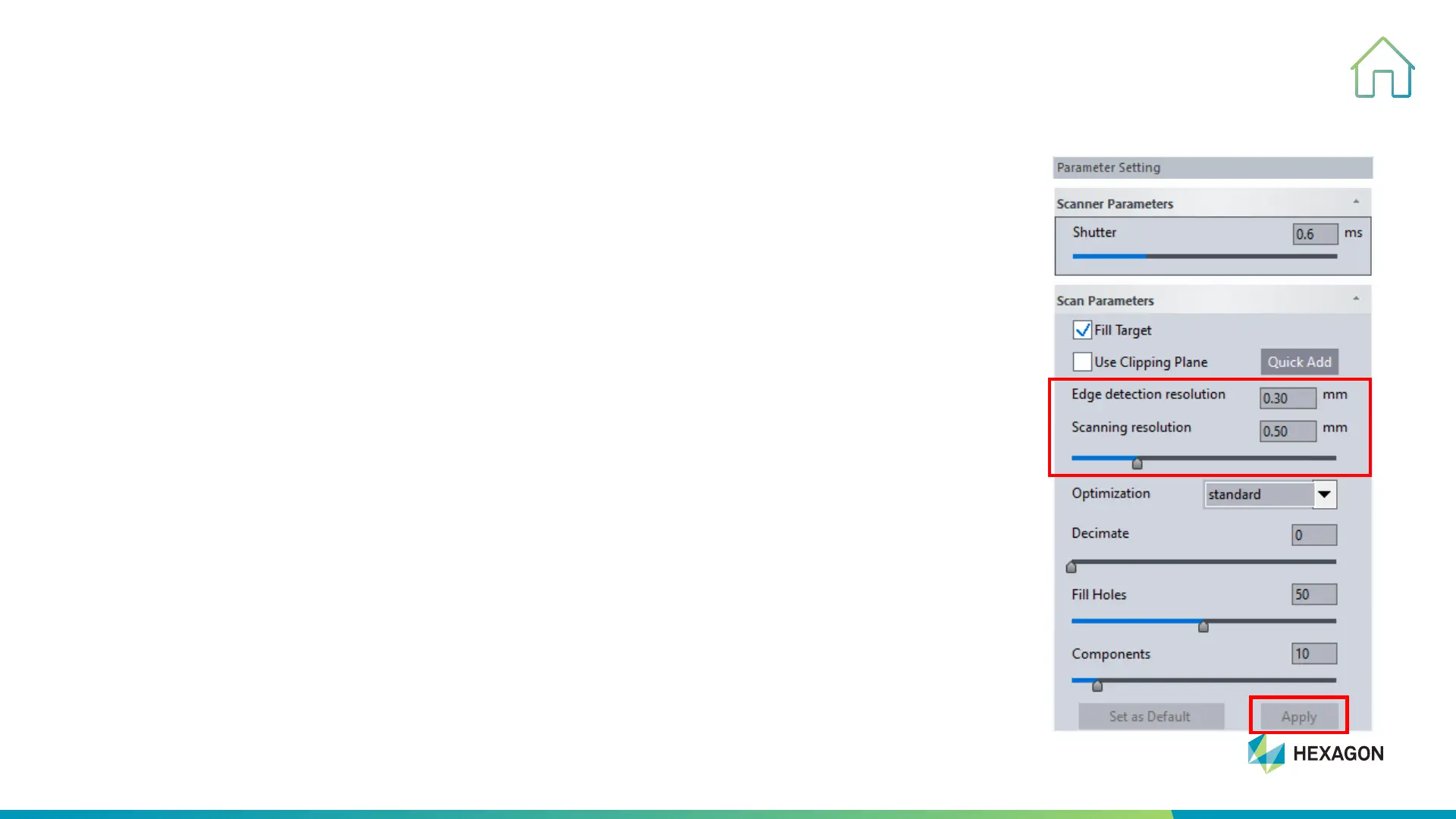
Resolution Setting
5. SCANNING PROCESS
• Resolution—Set the value in column and then apply to execute
• Resolution range: 0.02mm~10mm
• For most scanning job, the resolution can be set between 0.2mm~2.0mm.
Tips:
It’s not the higher resolution the better. We should set the reasonable resolution
according to the complexity and details of the parts.
For your reference:
1. Metal Sheet Part: 0.2mm-1mm
2. Carved, Cultural Relics: 0.2mm-0.5mm
3. General Mechanical Parts 0.2mm-0.8mm



 To Next Page