23
| hexagon.com
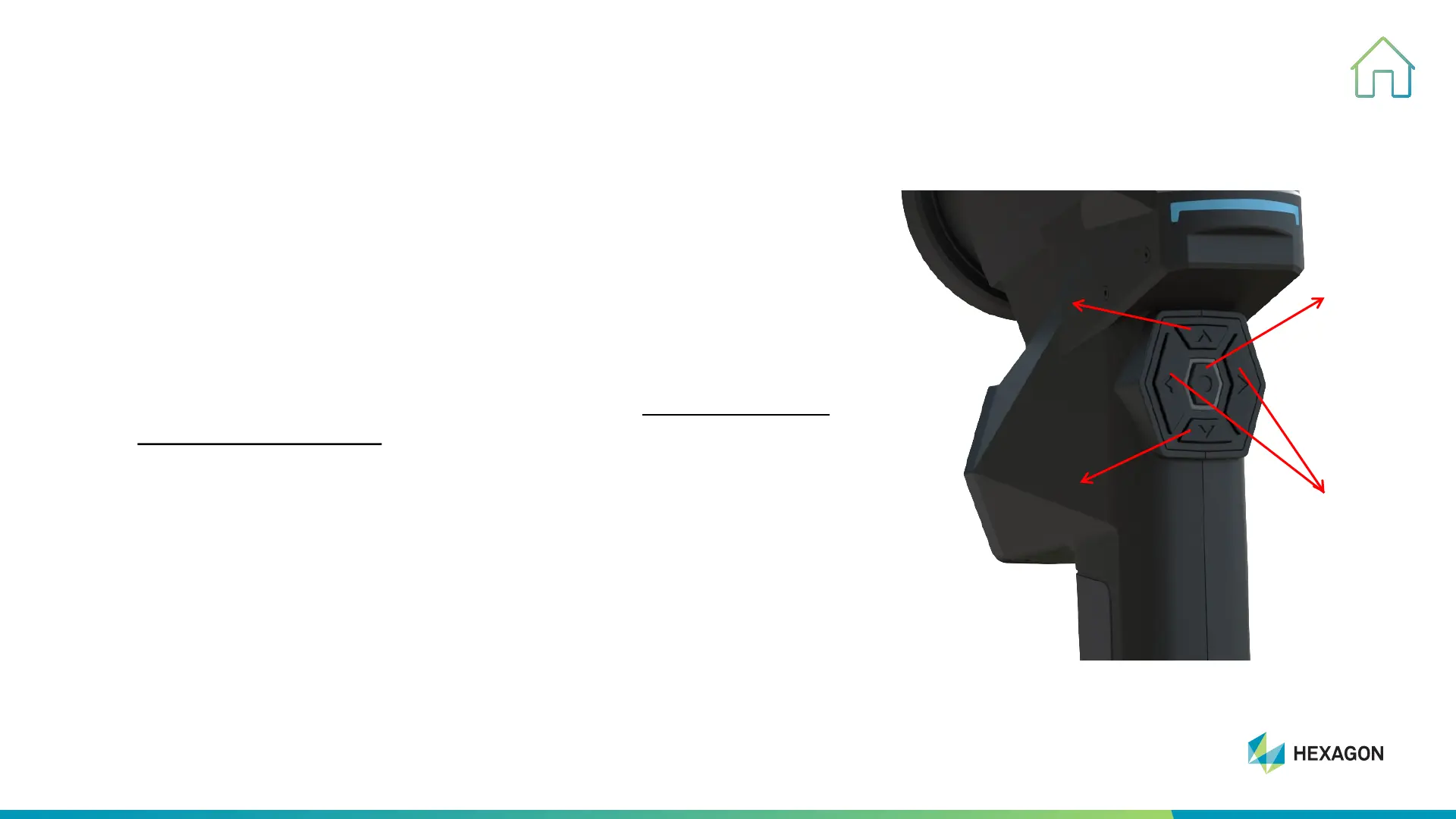
Push Buttons
2. PRODUCT INTRODUCTION
1. Central Button
• Single press: Start/Pause Scanning
Switch on/off third camera
• Double press: Scanning mode switch
2. Left/Right Button
• Left Button: Zoom in or Increase shutter
• Right Button: Zoom out or Decrease shutter or Take photo under
photogrammetry mode
3. Up Button
• Single press: Zoom or Shutter
• Double press: Hole Flash Capture or New group Scanning
4. Down Button
• Single press: Long-range scanningEdge DetectionStandard
Scanning and recycle in the sequence.
• Double press: Intelligent Interactive System
1
2
3
4



 To Next Page