89
| hexagon.com
Target Scanning
4. PREPARATION
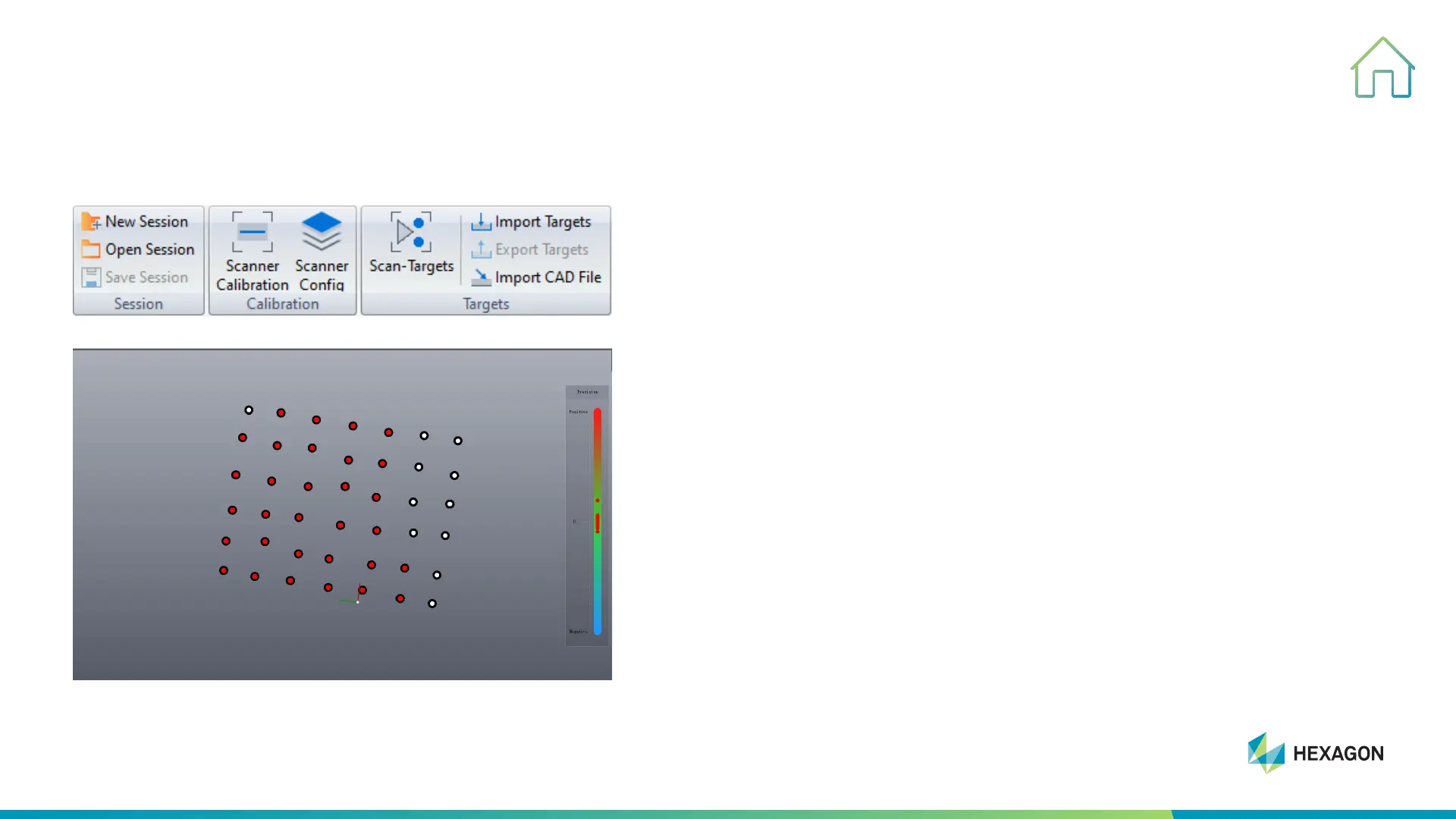
• Scan-targets: to scan targets
• Import targets: to import targets data into scanning software
(this function is for big object scanning or assembling part)
• Export targets: to export targets data
Tips:
When scanning big part, we suggest to start from the middle part
towards two sides with the goal of reducing splice error and
improving accuracy.
During the scanning, to achieve steady scan, make sure to hold
scanner at the horizontal and vertical direction.
• The red target is the point that the scanner can recognize
• Other color targets such as blue and white are unrelated points



 To Next Page