79
| hexagon.com
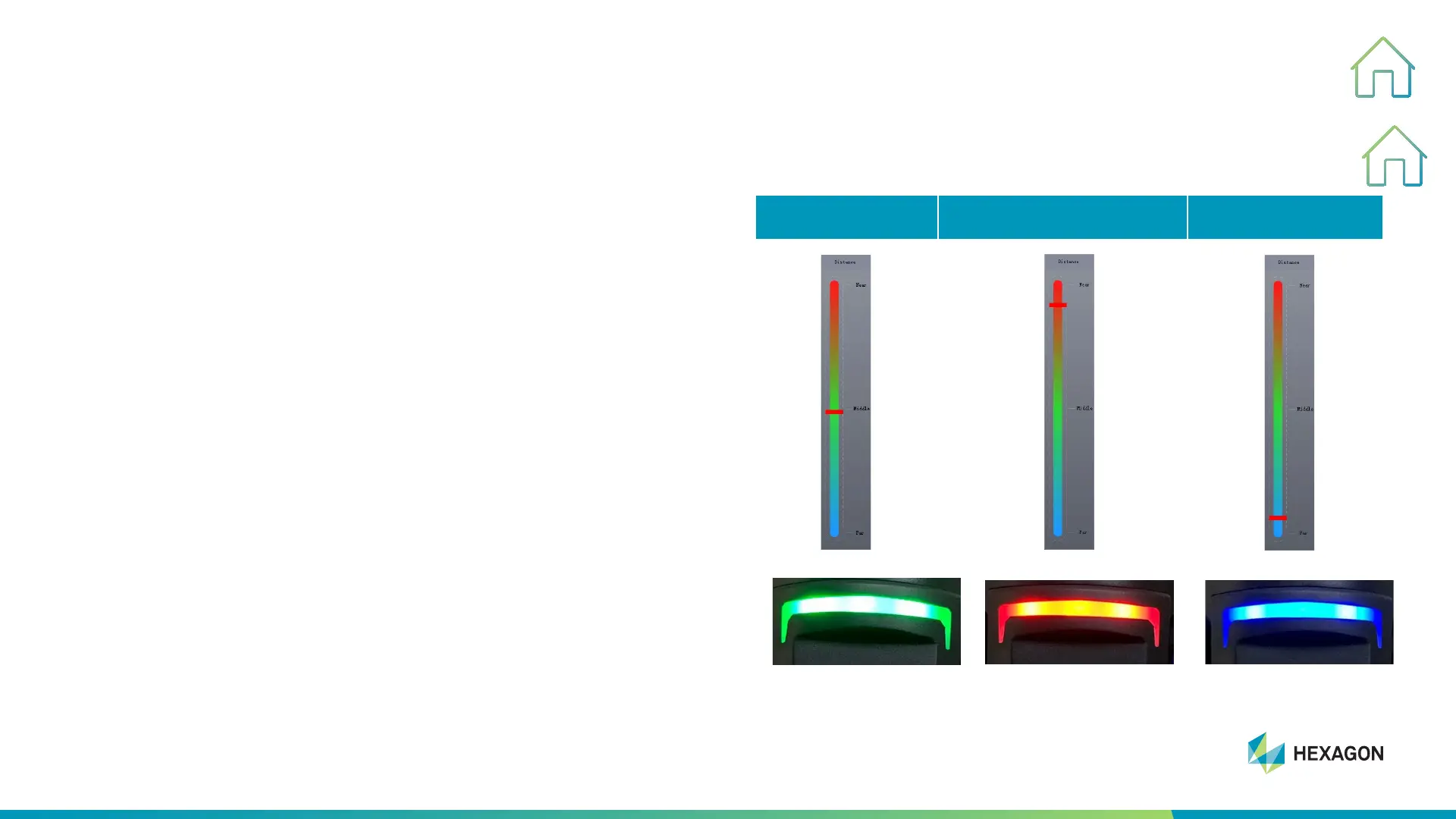
Scanner Indicator
5. SCANNING PROCESS WITHOUT TARGET
• The scanner is too close or too far away from the
workpiece to collect data well and get poor data
• The LED on the top of the scanner can also indicate the
distance by three different colors
• Make sure that both cameras can capture at least 4
targets at the same time
Tips:
In the process of scanning, sometimes we get too close or
too far from workpiece which will cause some targets can not
be recognized. You need to change the angle or scan again,
at the same time make sure the indicator bar in the green
area.
GOOD TOO CLOSE TOO FAR



 To Next Page