134
| hexagon.com
Fine Scanning Mode
9. OTHER FUNCTIONS
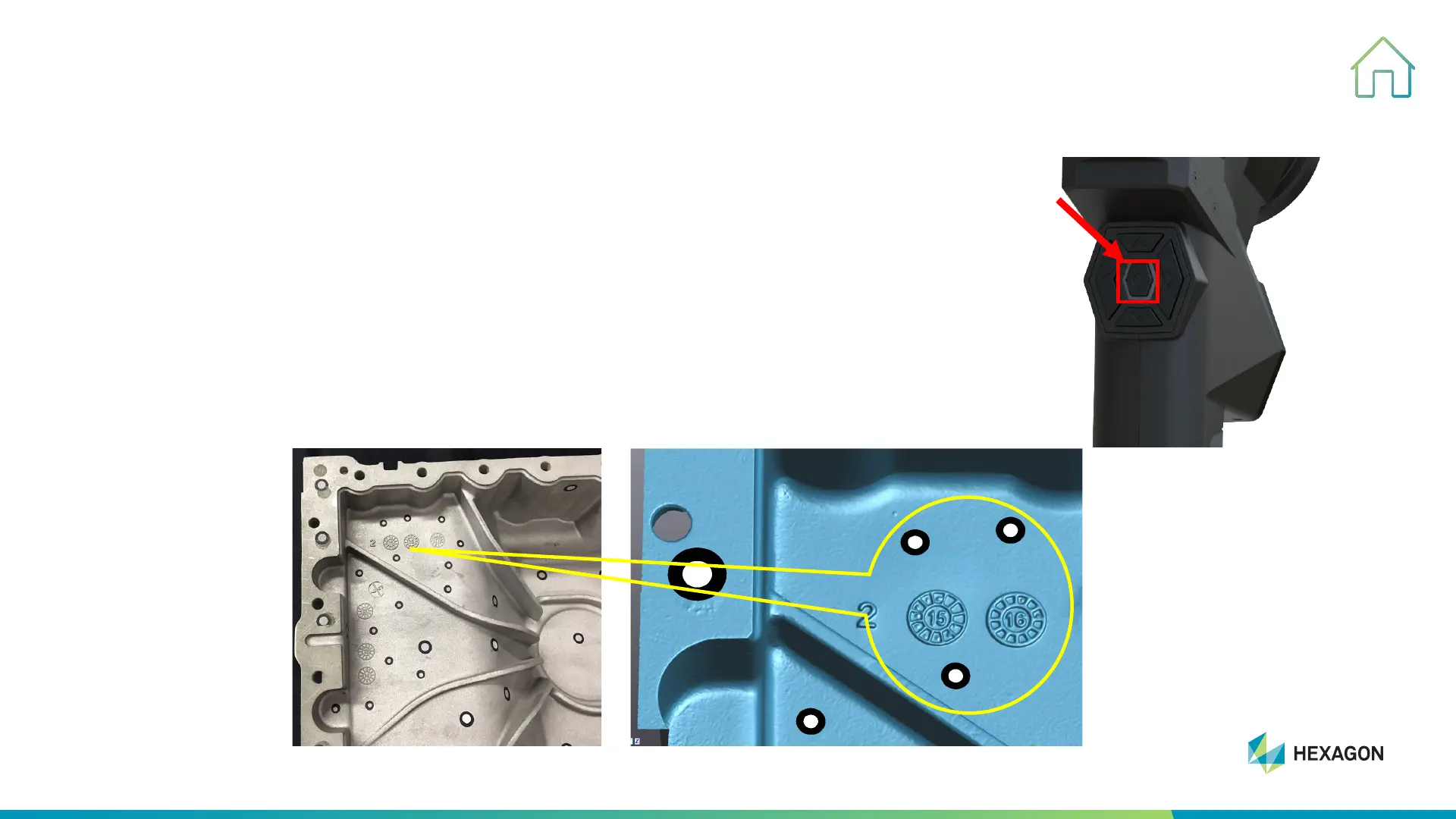
STEP ONE: To double-click start key to switch to fine scanning mode (5 parallel laser
lines)
Tips: Please note stand-off distance of fine scanning mode is 150mm, the depth of
field is up to 550mm, and the effective working range is 75mm to 225mm, which is
much closer to object than that of stand scanning mode.
STEP TWO: To place targets (size of 6mm or 3mm) on the surface of object。
Tips: 3mm targets are better for fine scanning mode.
STEP THREE: To scan under fine scanning mode.
Tips: The longer you scan, the more details you will get and the larger file it will
generate.



 To Next Page