136
| hexagon.com
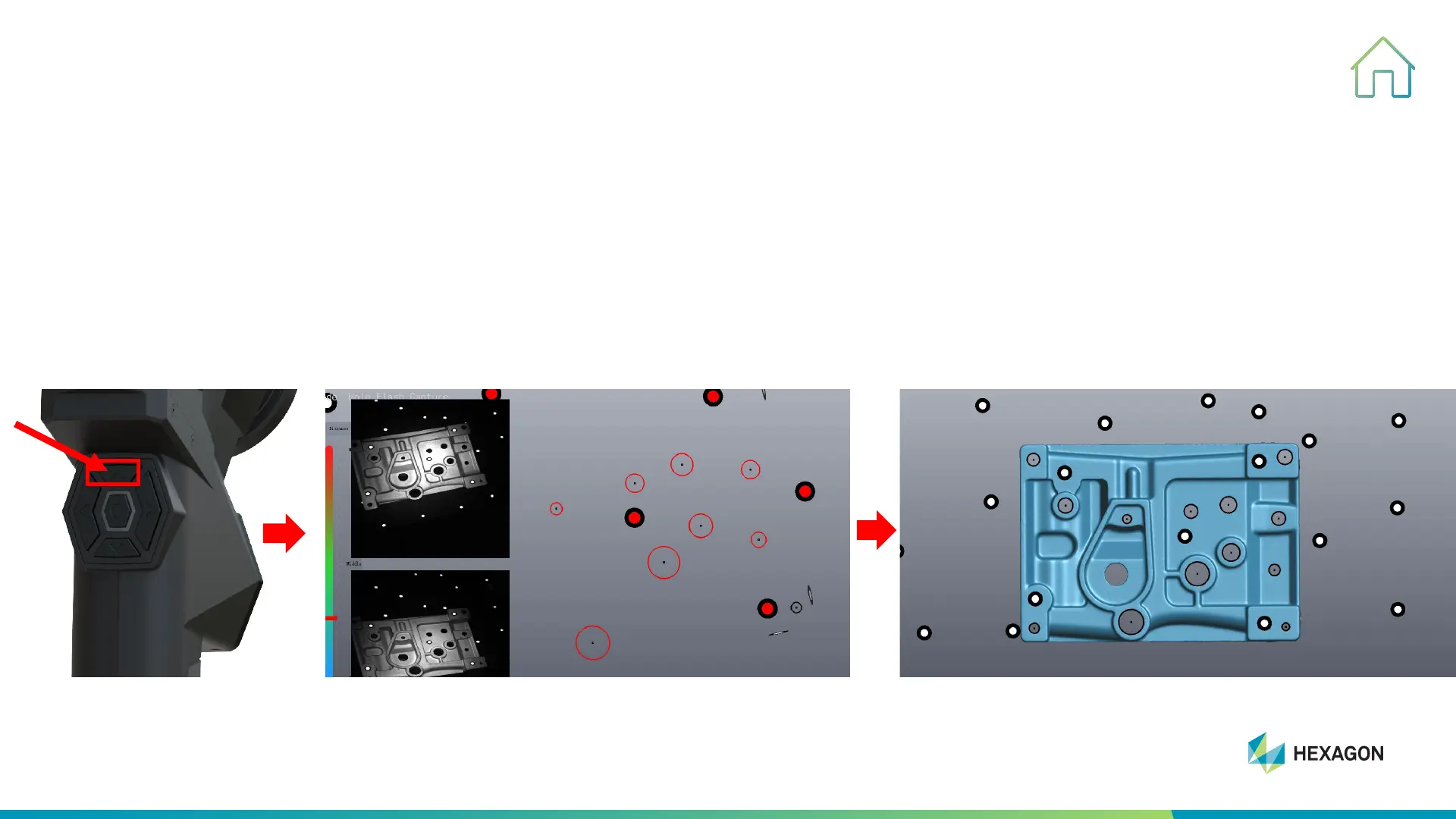
Hole Flash Capture
9. OTHER FUNCTIONS
STEP ONE: to select “measuring” before scanning (it also can be selected during scanning), press twice (see below)
to switch to measuring hole mode
Tips: If you do not select “measuring” before scanning, it will start a new group of scanning, details see OTHER
FUNCTIONS-Scan Data Merge, STEP FIVE.



 To Next Page