61
| hexagon.com
Scanning Mode
5. SCANNING PROCESS WITHOUT TARGET
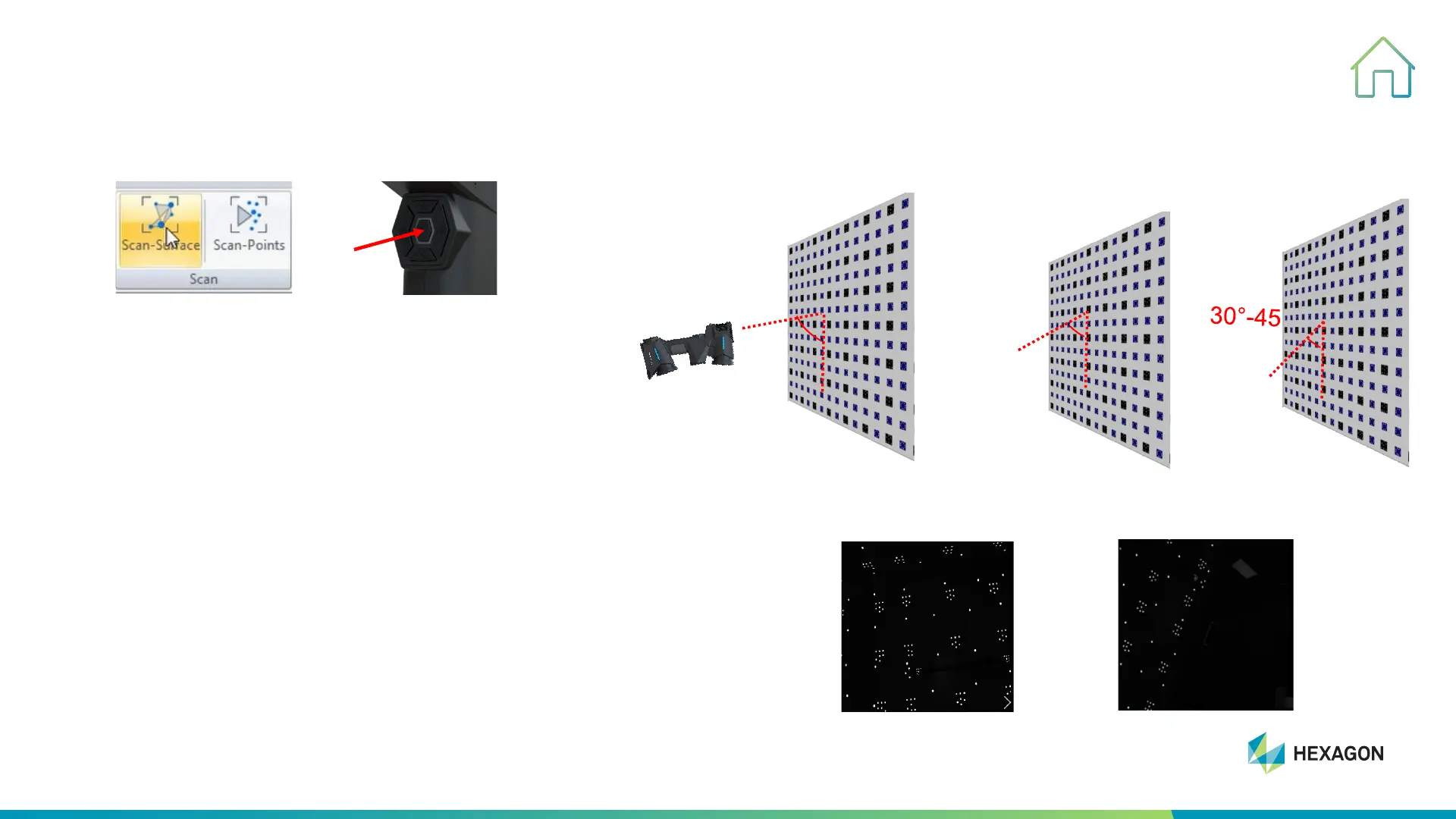
Click “scan surface” and press scan button to
start scanning
Tips:
To secure Marvel Mode scan data quality,
#1, The angle between the scanner top camera and
tagets wall is better more than 60°.
#2, Keep third camera tracking enough targets for
Marvel Mode scanning.
Good Tracking
Poor Tracking
≥60°
45°-60°
Best
Normal
Poor



 To Next Page