84
| hexagon.com
Target Placement
6. SCANNING PROCESS WITH TARGET
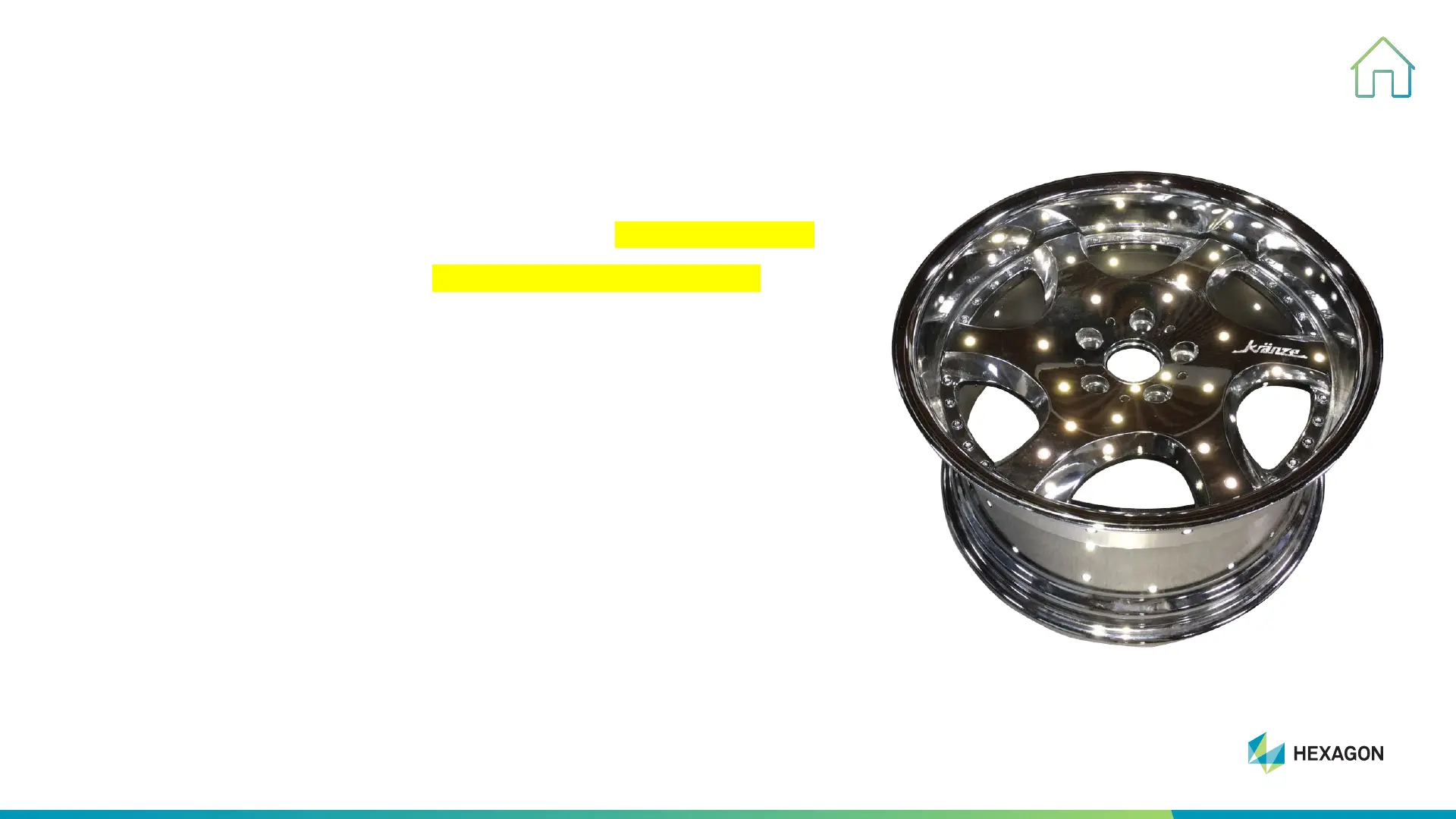
• Put targets to cover entire surface of workpiece evenly & randomly
• Distance between two targets: around 60-100mm (2.5-4 inch)
• Flat area: less targets required
• Curved/complex area with features: more targets needed
• Place appropriate quantity of targets on workpiece based on above
rules, keep in mind that it's easy to place while hard to remove later.



 To Next Page