User manual for G3
20
Display mode
⚫ Automatic scroll display
The default display mode of CIU is automatic scroll. After running for a while
(certain cycle period), it turns to the next display. The display information
including: Total energy consumption, Balance credit, Date, Time.
⚫ Keypad display
While the customer strokes the keypad, CIU shows the information just input.
After a period of keypad silence, CIU will go back to automatic scroll again.
⚫ Power off display
After the power off of CIU, the LCD will shut down in order to save the battery
energy.
Keypad
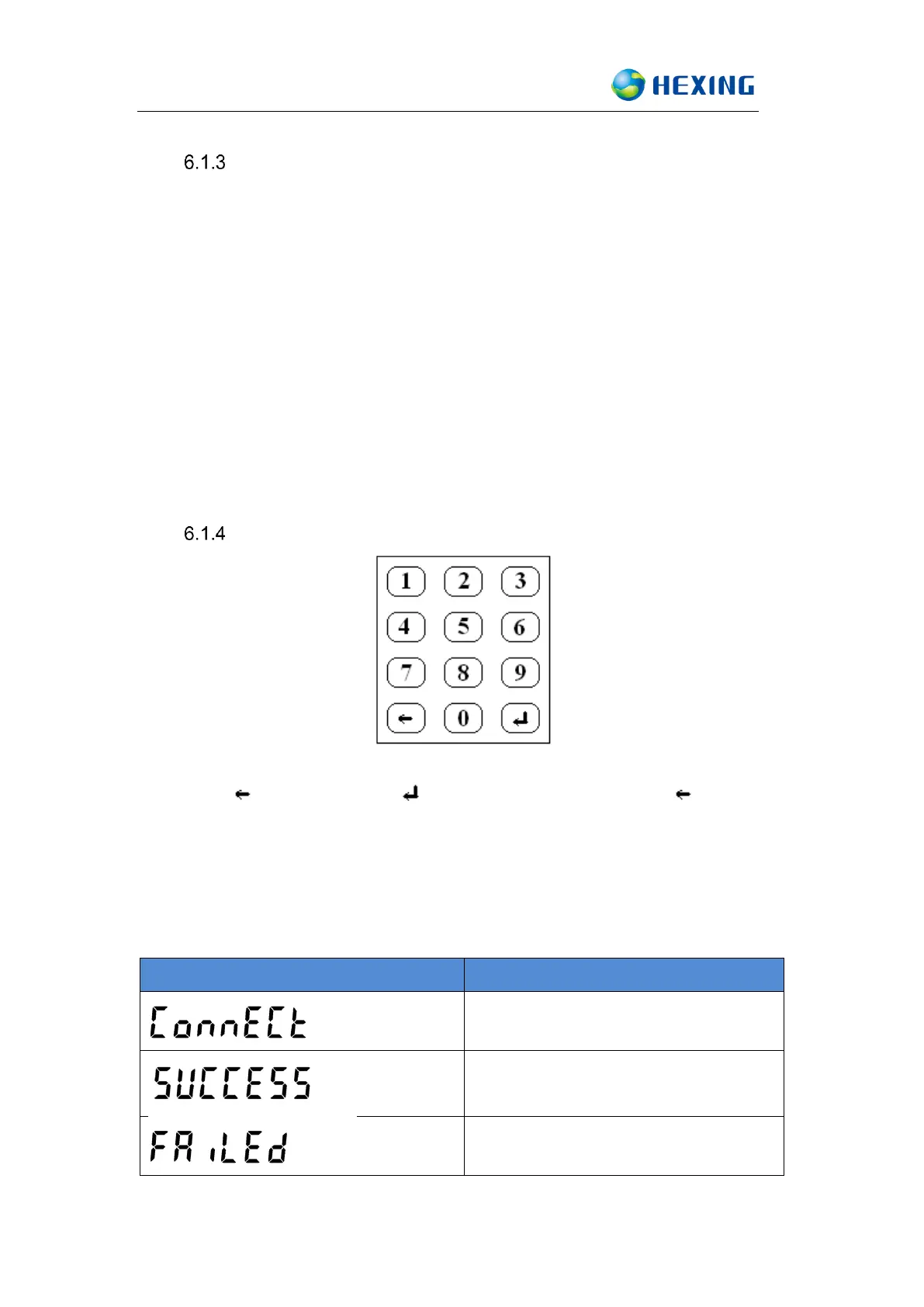
CIU EV500 equips a set of keypad including 12 buttons that numeric keys 0~9,
reset key ‘ ’ and enter key ‘ ’. User can use the rest key to remove
digits from a partially entered number.
The CIU is with white keypad backlit which ensure the easy operation and easy
meter reading in the poor light situation.
Successful communication, and
receive corresponding information



 To Next Page