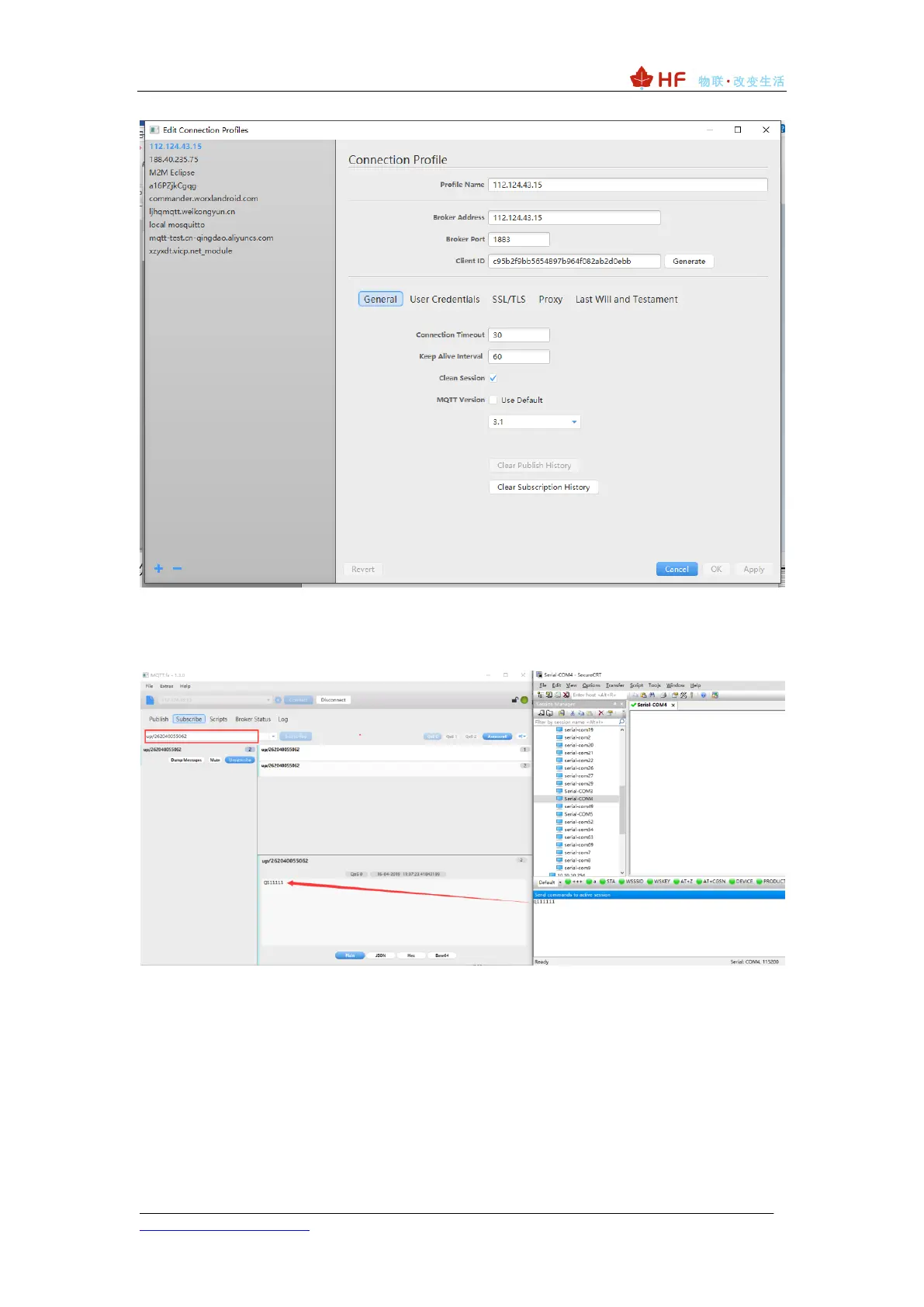
⚫ Fill in the subscription topic in the MQTTFX software, and keep the same theme as
the device-side publishing topic. Open the serial port tool (SecureCRT or other serial port
tools are available), send data, and see the data packets sent from the device in the tool
subscription.
⚫ The tool fills in the corresponding publishing topic (consistent with the subscription
topic filled in by the device), and the sent data can be output through the serial port of the
device.



 To Next Page