附录
52
Schedule 4 USB virtual serial port
driver installation
1)First, it confirms that our equipment has been launched USB virtual
serial port functions. This step requires the use of the company's Android hand
book binding Hi-Survey software to view and set in the "Device" →
"Accessibility" → "Receiver Settings" → "USB Virtual Serial Port" →
"ON".
2)Check if the function is open, with a Micro USB cable to connect the
instrument and computer, install the driver. Win7 32bit system as an example
to demonstrate. After testing, the drivers support Win7 32bit, Win7 64bit,
Windows XP 32bit, other systems without making tests.
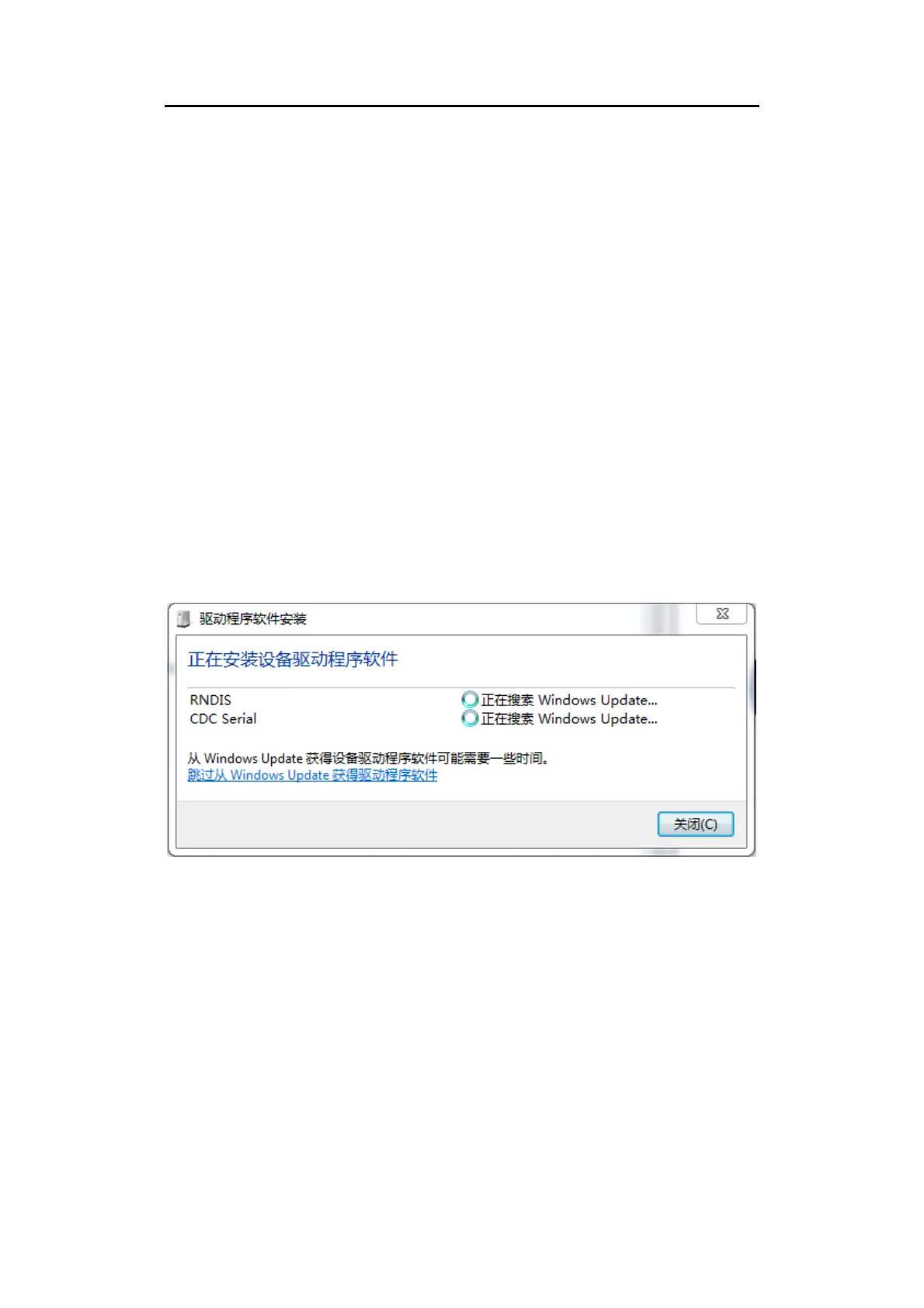
3)After connecting the cable, the system will prompt two devices need to
install drivers.
Figure 1
Now select "Skip obtaining driver software from Windows Update,"
because we need to manually install the driver. Failing such a prompt start
directly from step 4).



 To Next Page