53
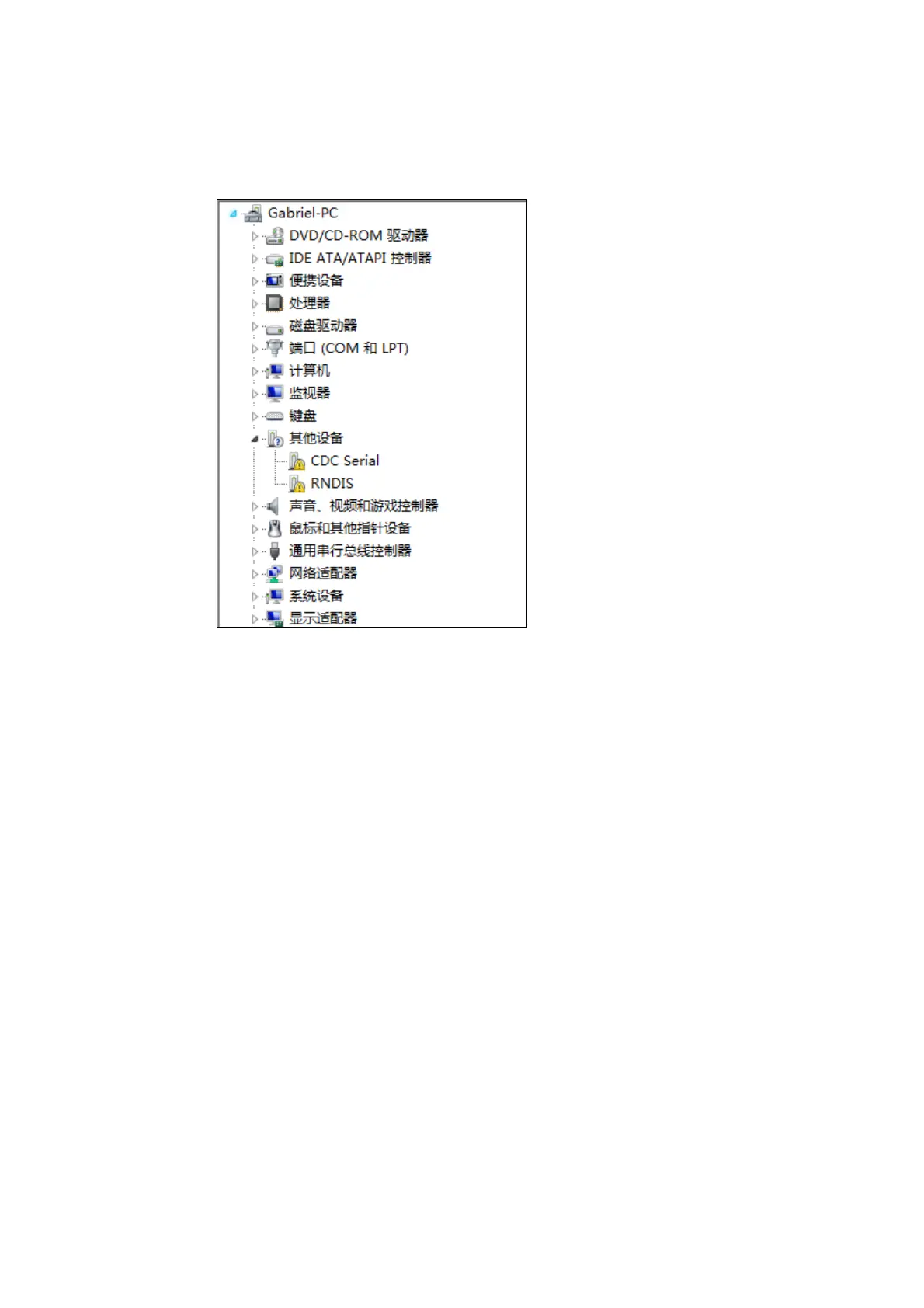
4)Open Systems "Device Manager" in the "other" option, you will see
two unidentified device. "CDC Serial" and "RNDIS".
Figure 2
5)Click "CDC Serial", right-select "Update Driver Software" in the
pop-up window, select "Browse my computer for driver software (R)", then
select the file drivers "linux_cdc_seial.inf" where the folder directory, then
click "Next."



 To Next Page