Easy HD Expressway!
WWW.HIDES.COM.TW 7
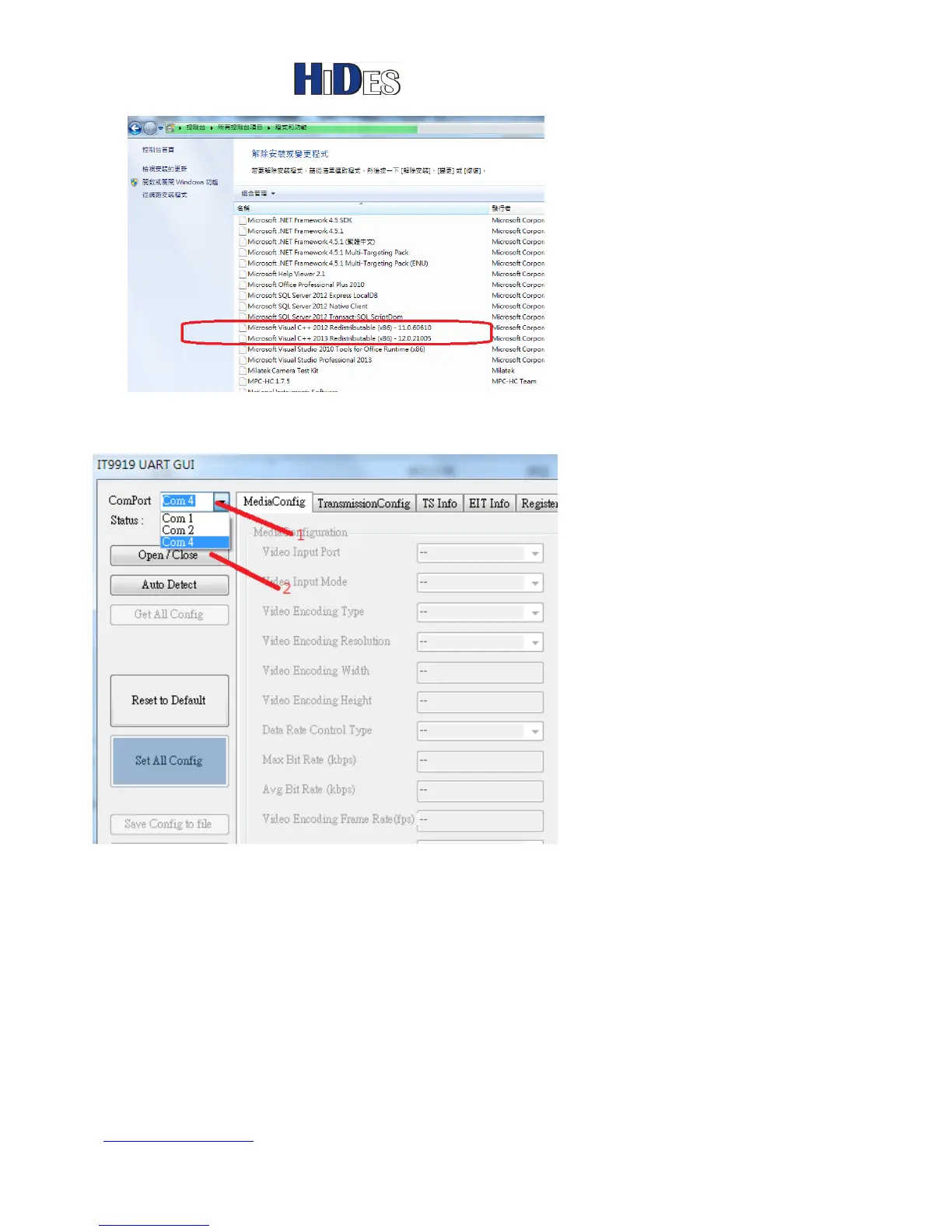
Select the correct com port for the USB UART cable.
Click on “Open/Close” button to connect HV-320.
In the “MediaConfig” page, please click on “GetMediaConfig” button first.
You can configure the “Max Bit Rate” for video compression.
When configuration is done, click on “SetMediaConfig” button to set HV-320.



 To Next Page