ALTIWARE SERIES
TABLE OF CONTENTS
21
english
axis
TABLE OF CONTENTS
22
english
BAROMETERBAROMETER
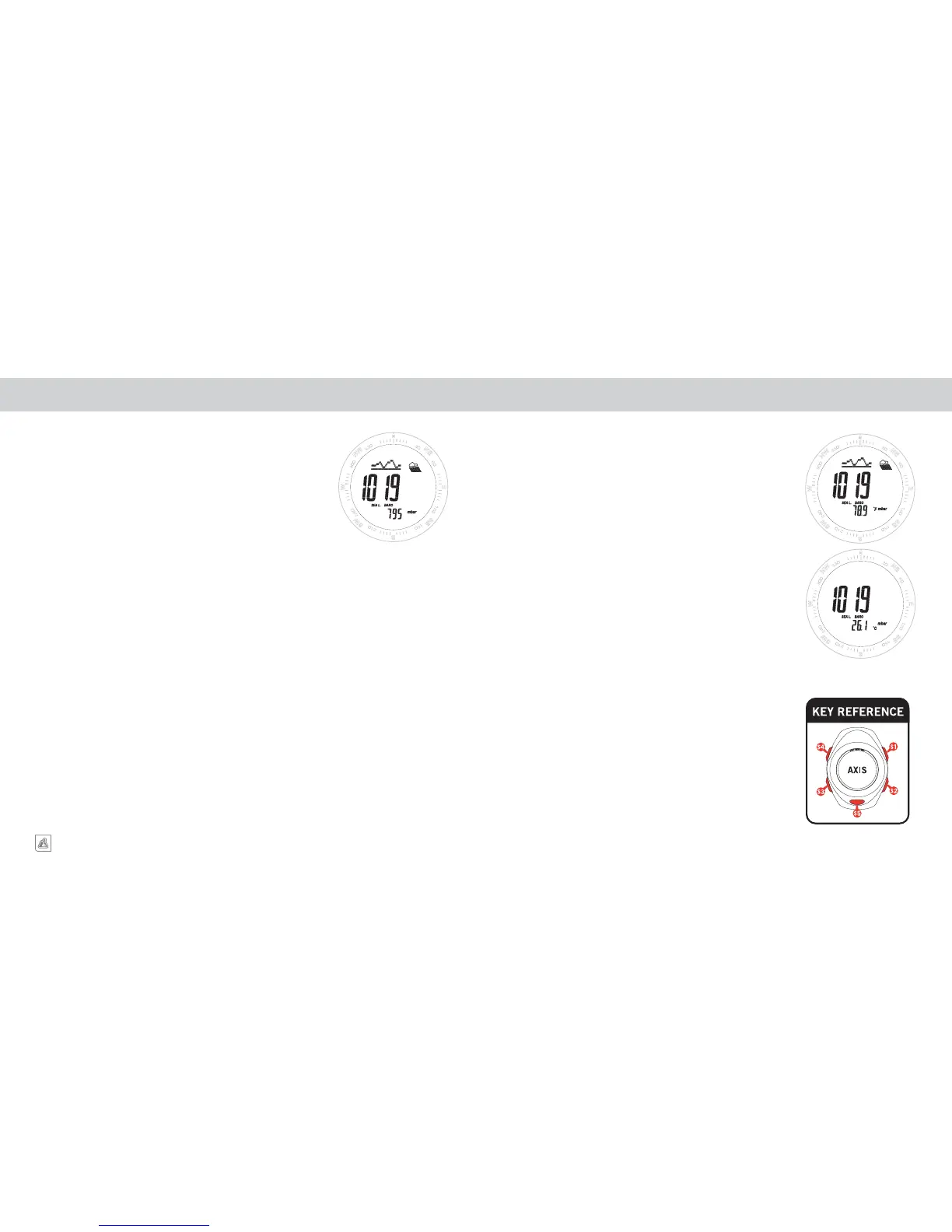
CHANGE TEMPERATURE UNITS
While the unit is in BAROMETER SCREEN showing temperature, you
can view and change the TEMPERATURE DISPLAY UNITS between
degrees FAHRENHEIT and CELSIUS using a PRESS & HOLD of the
S2 key. Continue to hold the key until the temperature units icon stops
flashing.
NOTE: The TEMPERATURE units chosen while in the
BAROMETER mode will be the units displayed in the TIME OF
DAY mode.
BAROMETRIC PRESSURE GRAPH
The top line of the BAROMETER screens, as well as two of the TIME
OF DAY screens, shows a GRAPH OF BAROMETRIC PRESSURE
CHANGES over the past 24-hours. The Graph updates once every hour
and only indicates changes relative to the previous measurement.


 To Next Page