ALTIWARE SERIES
TABLE OF CONTENTS
13
english
axis
TABLE OF CONTENTS
14
english
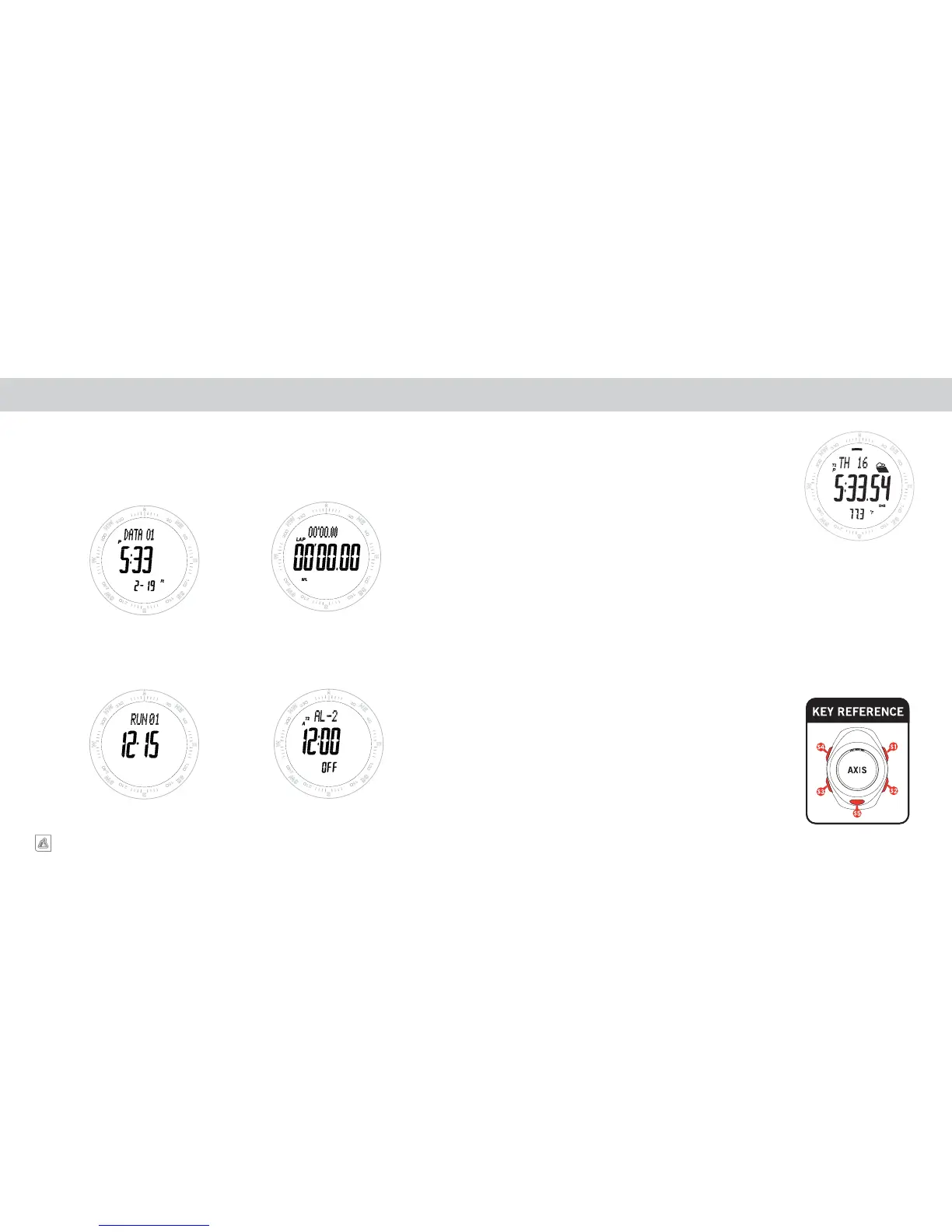
TIME FUNCTIONSMODES OF OPERATION
CHRONOGRAPH
DATA
ALTIMETER LOG
CHRONOGRAPH
ALARM
VIEW TIME 1 / TIME 2
The Axis is equipped with a full feature watch package including Time of
Day, Day/Date/Day of Week, Two Time Zones and Two Daily Alarms.
The Time Zone being displayed is indicated by a small T1/T2 in the upper
left corner of the display.
VIEW / CHANGE TIME ZONE
PRESS & HOLD the S2 key.
SETTING THE TIME OF DAY
1. Start in TIME Mode.
2. Select TIME 1 or TIME 2 using the S2 key.
3. PRESS & HOLD the S4 to enter the setting sequence.
4. Adjust HOUR, MINUTES, SECONDS, YEAR, MONTH, DATE,
12/24 HOUR mode using the S1 and S2 keys. The variable you are
programming (Hours, Min, Sec, ect. ) will be shown in the top line of
the display.
5. Set and advance from variable to variable using a QUICK PRESS of
the S3 key.
6. Exit setting sequence using the S4 key.
7. Select alternate time and repeat the above procedure.
MAIN DISPLAY MODES (continued)


 To Next Page