17
english
18
english
SETTING TIME/DATE (CONTINUED)
7. Advance to set MONTH by
PRESSING the MODE key.
Adjust by
PRESSING the START/LAP or STOP/NEXT
keys.
8. Advance to set DAY by
PRESSING the MODE key. Adjust
by
PRESSING the START/LAP or STOP/NEXT keys.
9. Advance to select 12 OR 24-HOUR mode. Select by
PRESSING the START/LAP or STOP/NEXT keys.
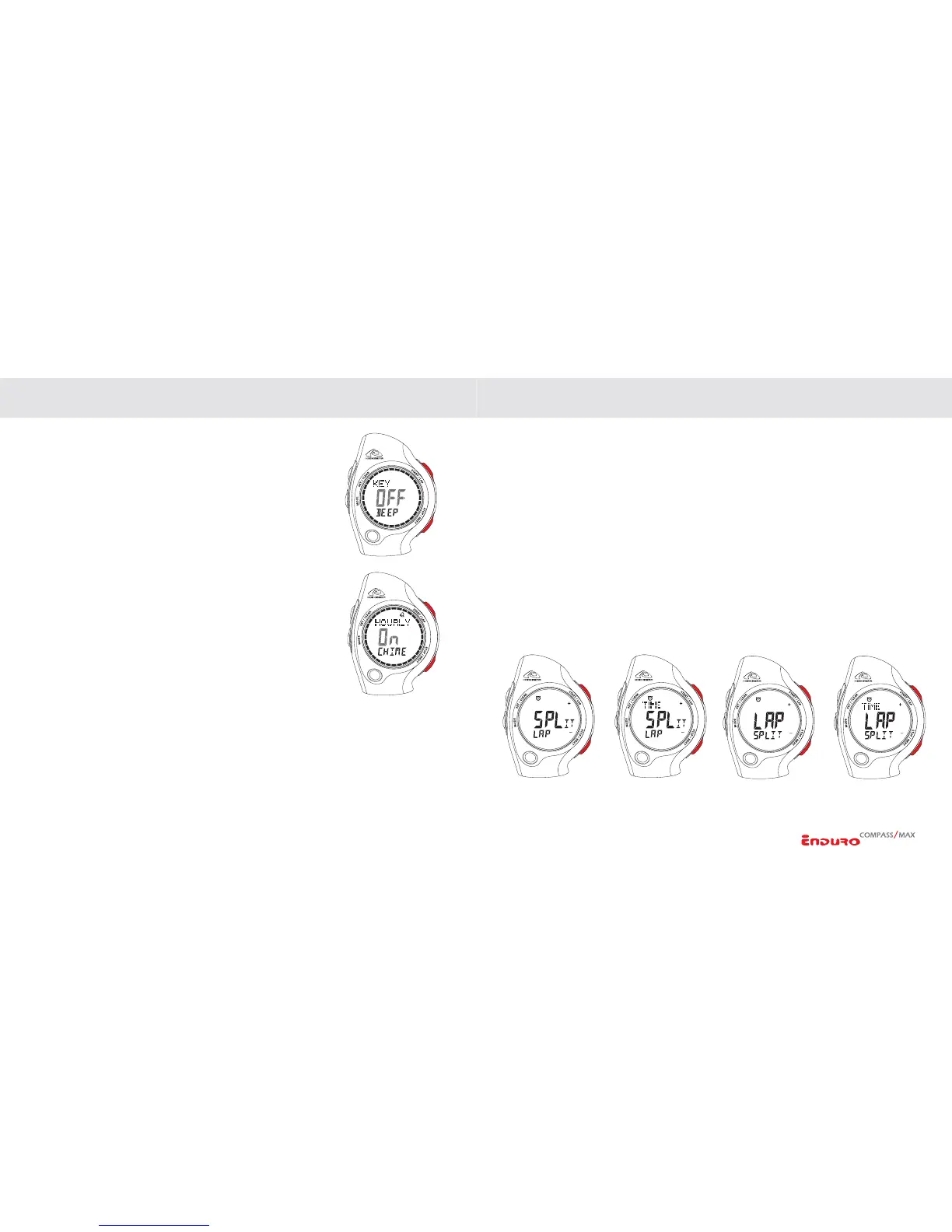
10. Advance to set HOURLY CHIME by
PRESSING the
MODE Key. Turn ON/OFF by PRESSING the START/LAP
or
STOP/NEXT keys.
11. Advance to set KEY BEEP by
PRESSING the MODE Key.
Turn ON/OFF by
PRESSING the START/LAP or STOP/
NEXT
keys.
12.
PRESS the SET/CLEAR key to exit the setting sequence
and return to Time of Day screen.
NOTE: You can exit the setting sequence at any time by
PRESSING the SET/CLEAR key.
SETTING THE WATCH FUNCTIONS SETTING THE WATCH FUNCTIONS
SETTING THE CHRONOGRAPH
Enduro watches are equipped with a 24-hour, 100-lap Chronograph with 1/100-second
resolution. The Chronograph has 4 viewing options.
In Chronograph mode:
NOTE: If there is information in the Chronograph, you must first RESET the
Chronograph by
PRESSING the SET/CLEAR key or SAVE to memory by
PRESSING the STOP/NEXT key.
1. PRESS & HOLD the SET/CLEAR key to enter the setting sequence.
2. Select VIEWING OPTION by
PRESSING the START/LAP or STOP/NEXT keys.
3.
PRESS SET/CLEAR key to return to Chronograph mode.


 To Next Page