29
english
30
english
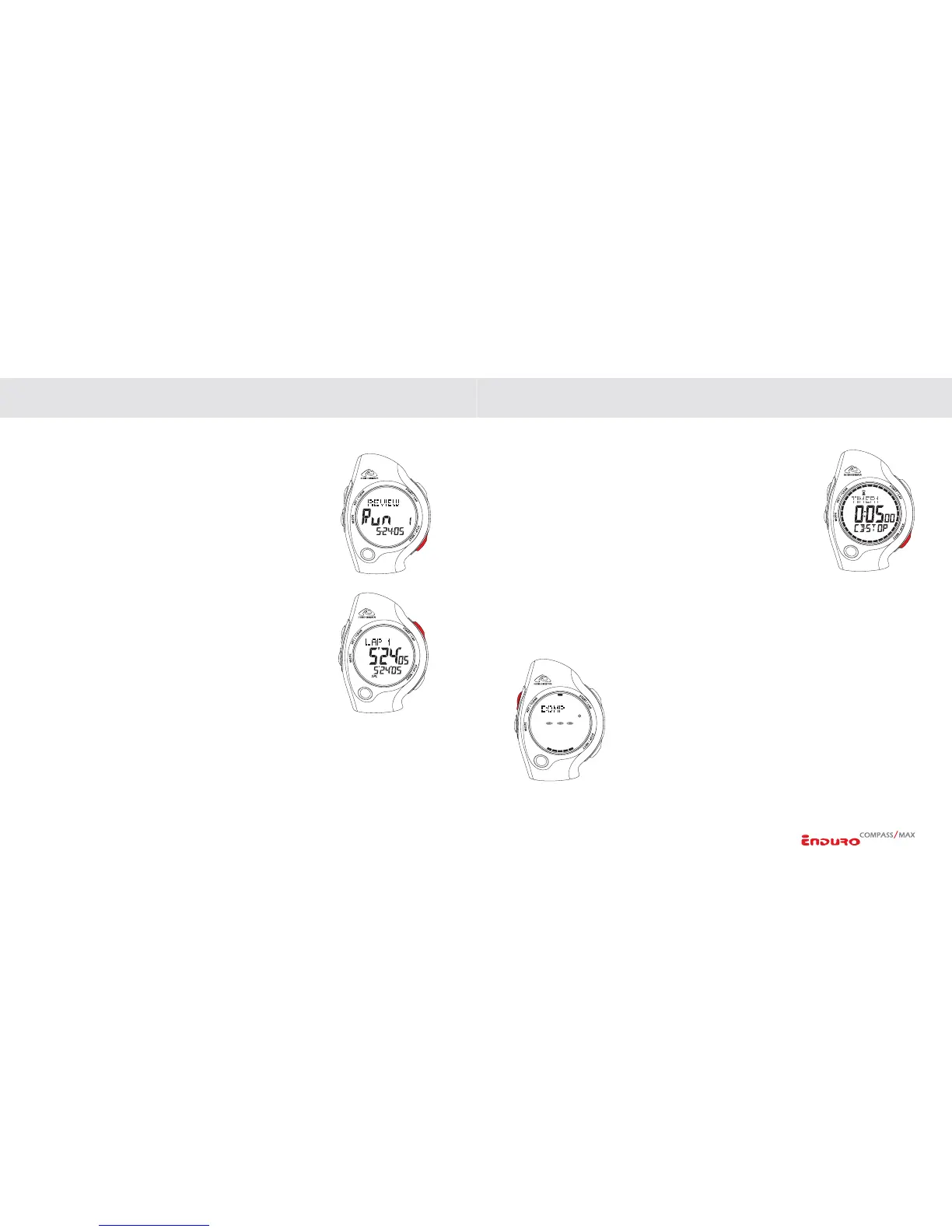
REVIEWING RUNS/WORKOUTS
In Review mode:
1. Scroll through the STORED RUNS by PRESSING the
STOP/NEXT key.
2. Select FILE TO REVIEW by
PRESSING the START/LAP
key.
3. View LAP, SPLIT, BEST, AVERAGE and TOTAL TIMES
by
PRESSING the START/NEXT key.
4.
PRESS the STOP/NEXT key to exit file review and return
to Review directory.
5. To ERASE a stored file,
PRESS & HOLD the SET/CLEAR
key. The display will indicate file has been erased.
6. To CLEAR all files in memory,
PRESS & HOLD the SET/
CLEAR
key until display indicates “ALL ERASED”.
OPERATING THE WATCH
OPERATING THE COUNTDOWN TIMERS
Enduro watches are equipped with 3 independent 24-hour
Timers with enhanced functionality. In Timer mode, you can
scroll through TIMERS 1 through 3 by PRESSING the STOP/
NEXT
key.
In Timer mode:
1. Select TIMER 1, 2, or 3 by
PRESSING the STOP/NEXT
key. The TIMER FORMAT is indicated on the bottom
display line (CD-STOP, CD-REPT, CD-UP, or TRAIN).
2.
PRESS START/LAP to START TIMER.
3.
PRESS STOP/NEXT to STOP TIMER.
4. When timer is stopped,
PRESS SET/CLEAR to RESET TIMER.
COMPASS QUICKACCESS (ENDURO COMPASS ONLY)
When Timer is running, you can access the compass by
PRESSING the SET/CLEAR key. Compass will display for 10
seconds then return to Timer screen.
OPERATING THE WATCH


 To Next Page