23
english
24
english
CALIBRATING THE COMPASS (CONTINUED)
In Compass mode:
1.
PRESS & HOLD the SET/CLEAR key to enter the calibration
sequence.
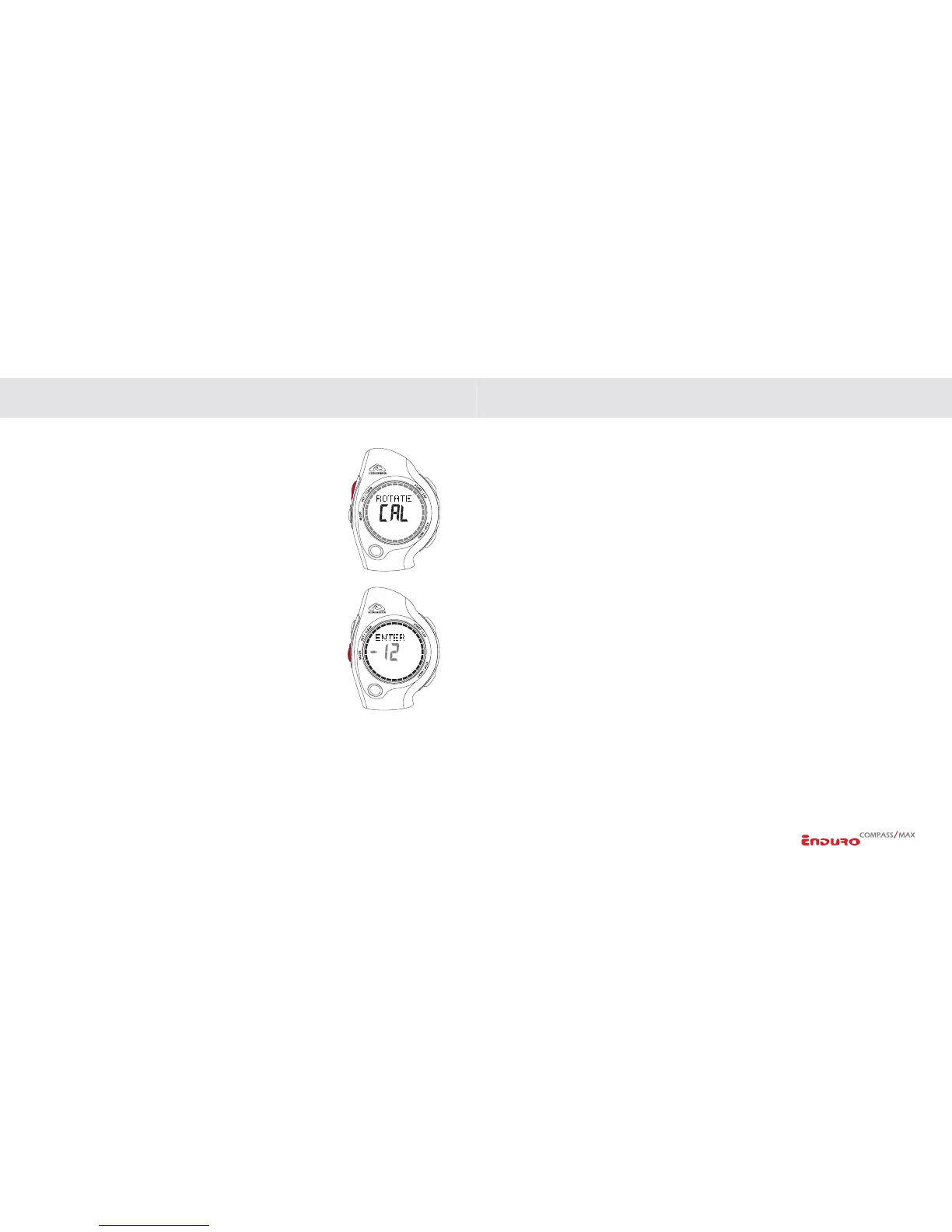
2. ROTATE CAL will appear in the center of the display. 32-
segment ring around the outside will animate clockwise to
prompt the user to rotate the watch during calibration.
3. Rotate the watch clockwise for two complete rotations of
approximately 15-seconds per rotation.
NOTE: For the optimum accuracy, the compass must be
held completely level during the calibration process. We
recommend placing the unit on top of a drinking glass
while performing the calibration as this will make it easier
to keep the compass level.
4. Advance to set DECLINATION by
PRESSING the MODE
key.
NOTE: If you do not know the Magnetic Declination for
your area, leave this setting at zero.
5. Set DECLINATION by
PRESSING the START/LAP key for EASTERN (+) or
STOP/NEXT key for WESTERN (-).
6.
PRESS SET/CLEAR to exit the setting sequence.
MAGNETIC DECLINATION
A magnetic compass points to the earth’s magnetic north pole. Depending on your
location, this may be different from True North. Adjusting the Magnetic Declination
allows you to compensate for this variation. Magnetic Declination for an area can be
found on topographical maps. Declination can change over time and distance. Make
sure the source for your declination settings is up to date. The following websites are
good sources for finding local Magnetic Declination.
FOR U.S. DECLINATIONS:
http://www.ngdc.noaa.gov/seg/geomag/jsp/Declination.jsp
FOR CANADIAN DECLINATIONS:
http://gsc.nrcan.gc.ca/geomag/field/mdcalc_e.php
SETTING THE WATCH FUNCTIONS SETTING THE WATCH FUNCTIONS


 To Next Page