9
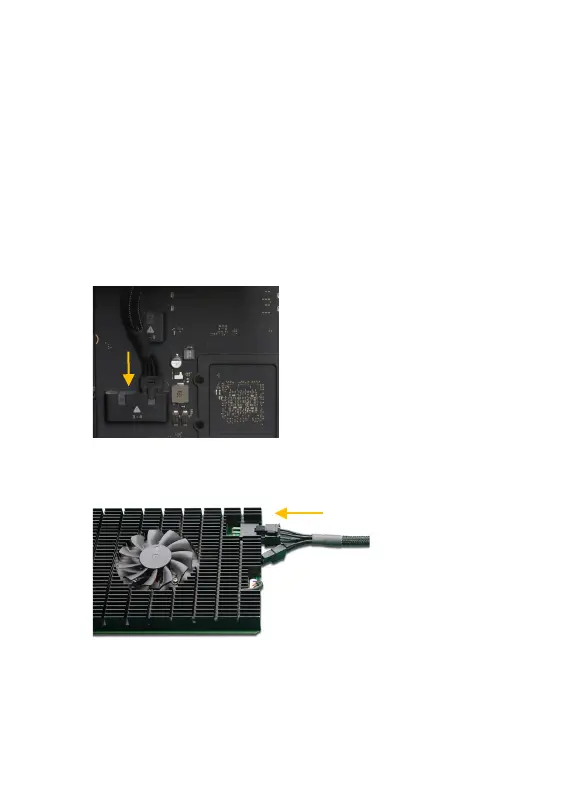
Step 12. If you are using a 2019 Intel Mac Pro Workstation or 2023 M2
Mac Pro Workstation, you will need to purchase the Belkin AUX
Power Cable Kit from the Apple Store. The kit includes seven
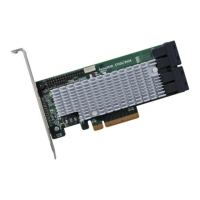
AUX power cables; four 8-pin to 6+2 pin cables (for use with the
Rocket 1508), two 6-pin to 6-pin cables, and a single 8-pin to dual
6-pin cable.
a. Connect the 8-pin power connector of the Belkin AUX Power
Cable to the 2019 Intel Mac Pro Workstation.
b. Connect the 6-pin power connector of the Belkin AUX Power
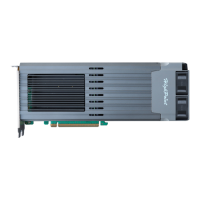
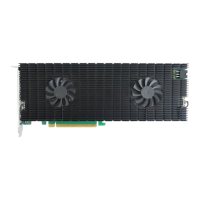
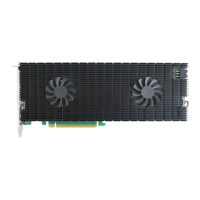
Cable to the side of the R1508.




 To Next Page