19
5. Double-click the HighPoint RAID Management desktop icon to start the WebGUI
6. Your default web browser will open and prompt for username and password
(Default username: RAID / password: hpt). Username and password are case-
sensitive.
For Mac Users:
1. Download the latest WebGUI from our website www.hptmac.com>PCIe
Controller Card > 6 Gb/s SAS/SATA RAID HBA > RocketRAID 2711 > Download
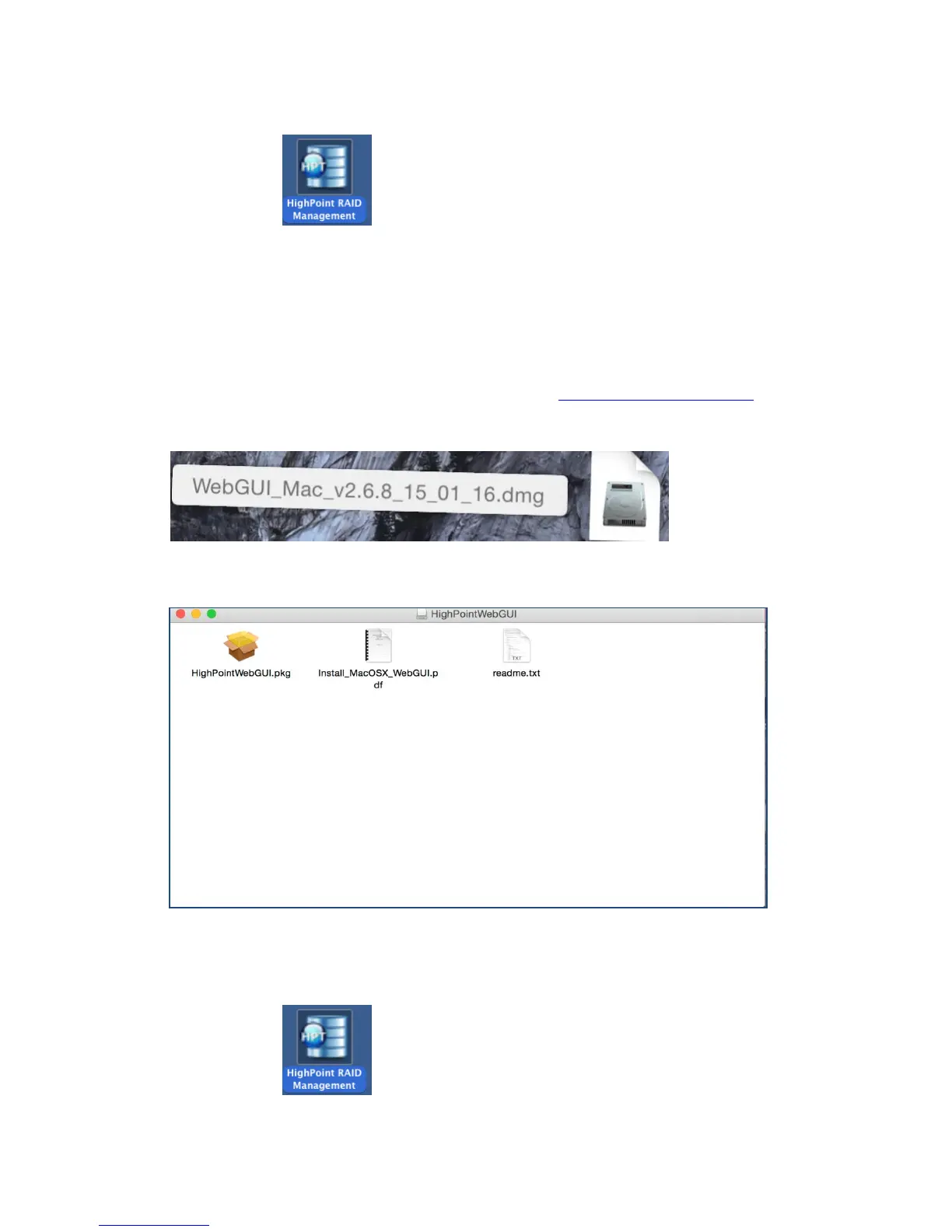
2. Double Click the downloaded Mac WebGUI file.
3. Double click the HighPointWebGUI.pkg to start he WebGUI installer.
4. Follow the installer on-screen instructions to complete the WebGUI installation.
5. Double-click the HighPoint RAID Management desktop icon to start the WebGUI.



 To Next Page