60
How to Add Recipients
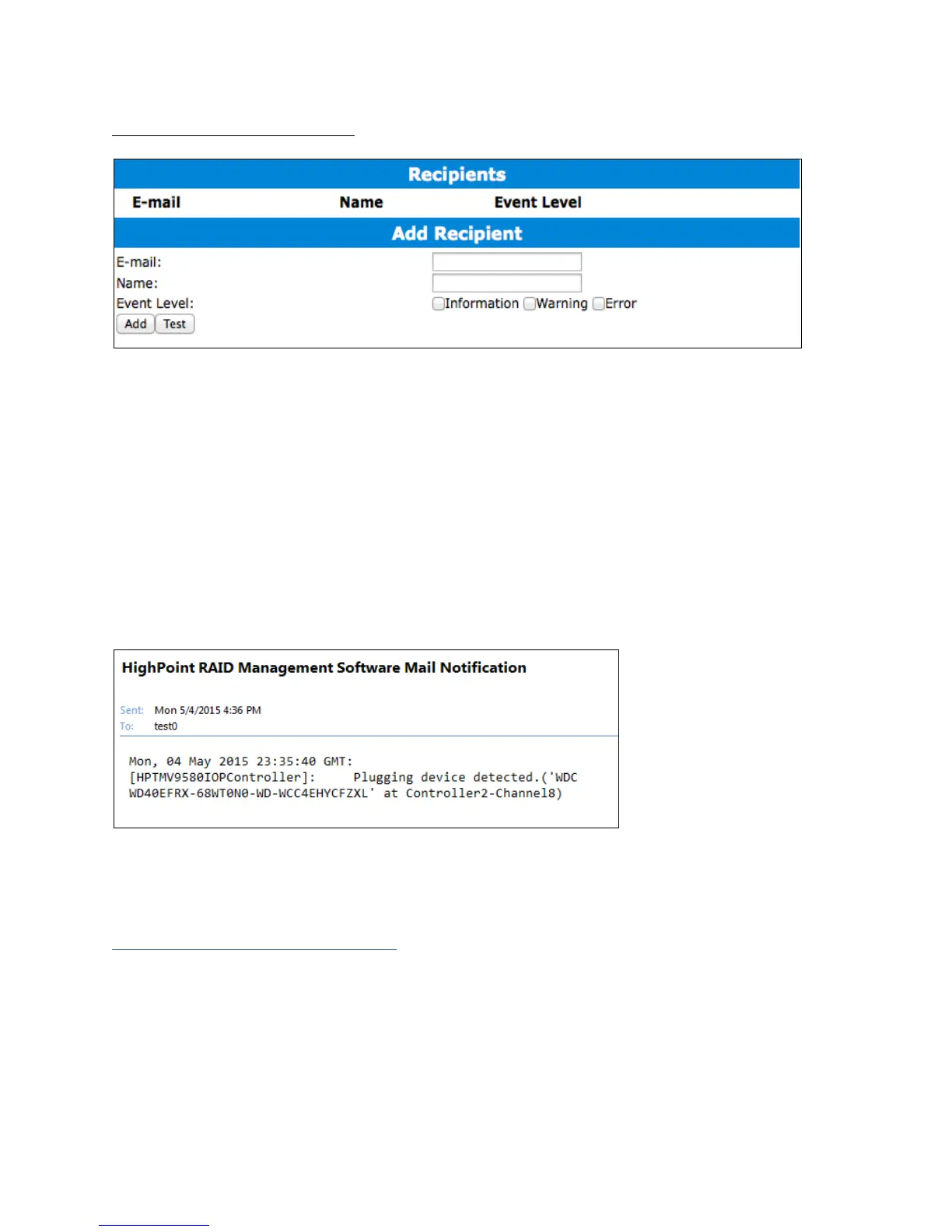
You can add multiple email addresses as receivers of a notice.
1. Type the email of the recipient in the E-mail text box
2. Type the name of the recipient in the Name text box
3. Check which type(s) of events will trigger an email in the respective Event Level
check boxes
4. (Optional) Click test to confirm settings are correct by sending out a test email
5. Click add to add the recipient to recipient list
6. The added recipient will display in under Recipients
The email will send to your recipients the output recorded in the event log.
Example email message:
Example: event log email
Appendix B-5: Recover Tab



 To Next Page