20
6. Your default web browser will open and prompt for username and password
(Default username: RAID / password: hpt). Username and password are case-
sensitive.
Uninstalling HighPoint RAID Management (WebGUI)
For Windows Users:
1. Open Control Panel.
2. Click Uninstall a program.
3. Select HighPoint RAID Management to uninstall.
For Mac Users:
1. Navigate to /Applications/HPTWEBGUI/uninstall.
2. Click on the uninstall script.
3. Type in the Administrator password when prompted.
Step 4: Create RAID Arrays using WebGUI
For both Mac and Windows users:
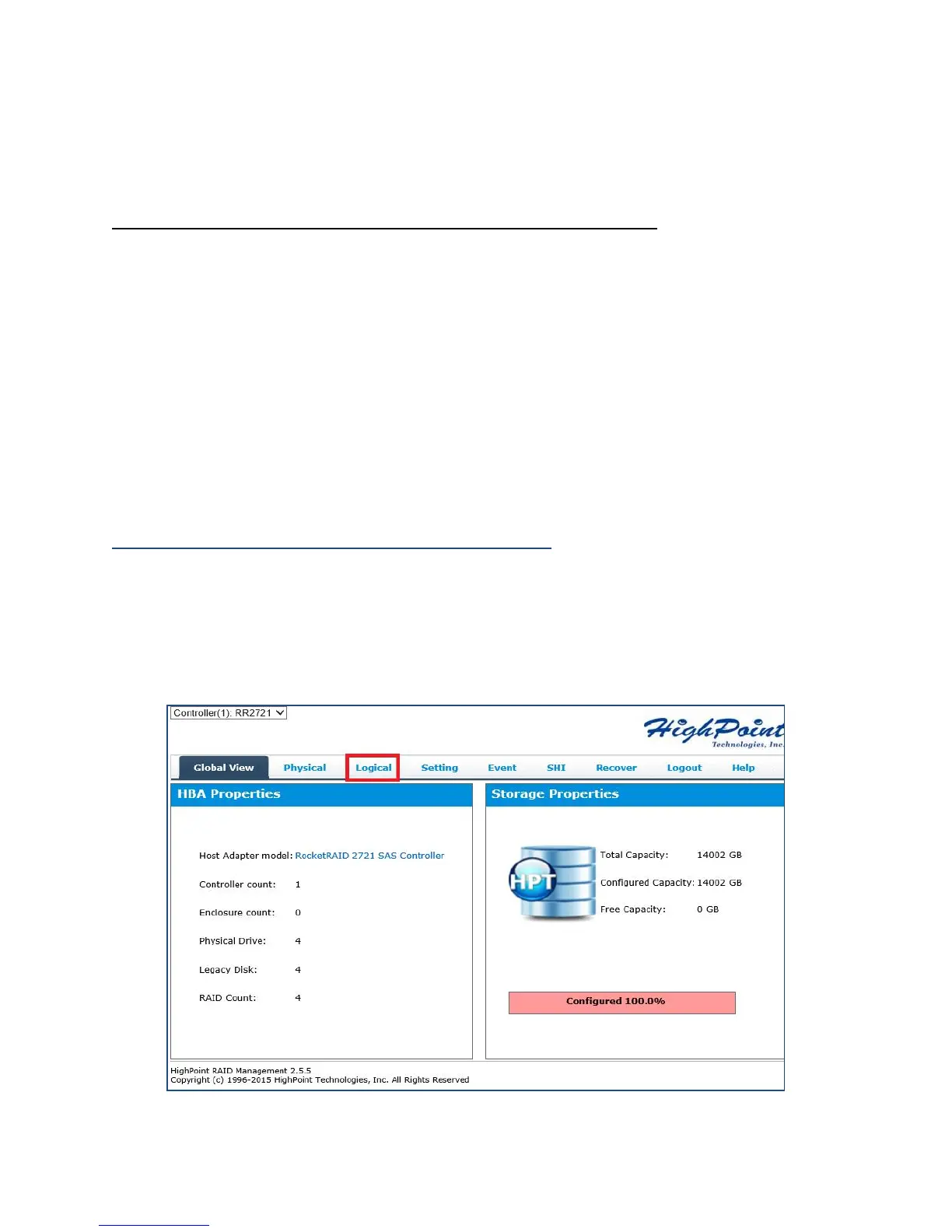
1. Login to WebGUI (Default username: RAID / password: hpt).
2. Once logged in, click the Logical tab to go to array page.



 To Next Page