21
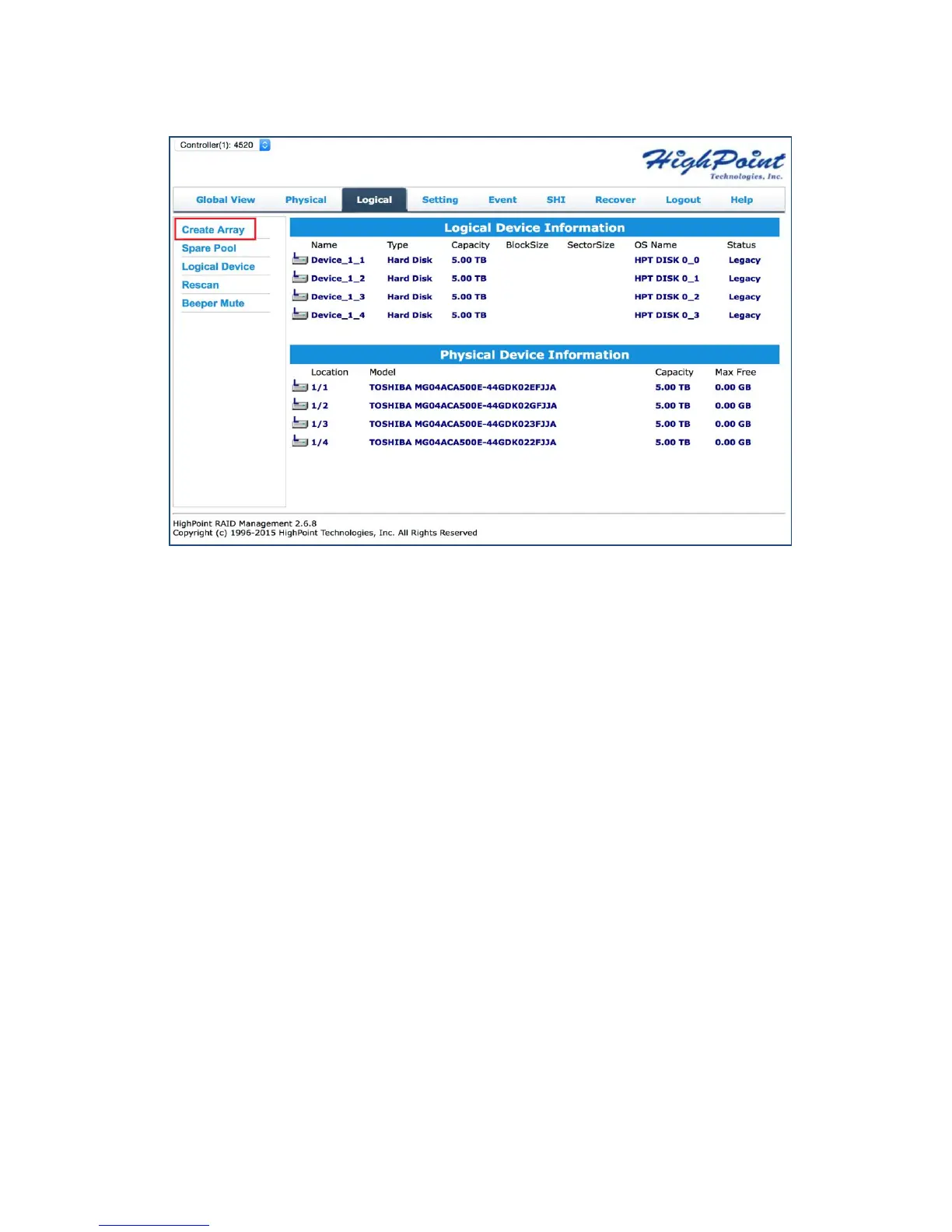
3. Click Create Array:
4. The RAID creation page provides many features, options, and settings. Detailed
descriptions are provided on pg. 48.
5. Select RAID 5 for Array Type. (RAID Quick Reference on pg. 66)
6. Set array name as “Tutorial_Array”.
7. Select Quick Init as the initialization method. (Note: Quick Init gives immediate
access to the array by skipping parity synchronization. Recommended for
testing/verification purposes or when new disks are used.)
8. Select Write Back as the Cache Policy for better disk write performance.
9. Select 64K as the Block Size.
10. Select all 4 available disks.
11. Leave the Capacity maximum so all disk space will be utilized
12. Click Create



 To Next Page