30
3. Check which type(s) of events will trigger an email in the respective Event Level
check boxes.
4. (Optional) Click test to confirm settings are correct by sending out a test email.
5. Click add to add the recipient to recipient list.
6. The added recipient will display in under Recipients.
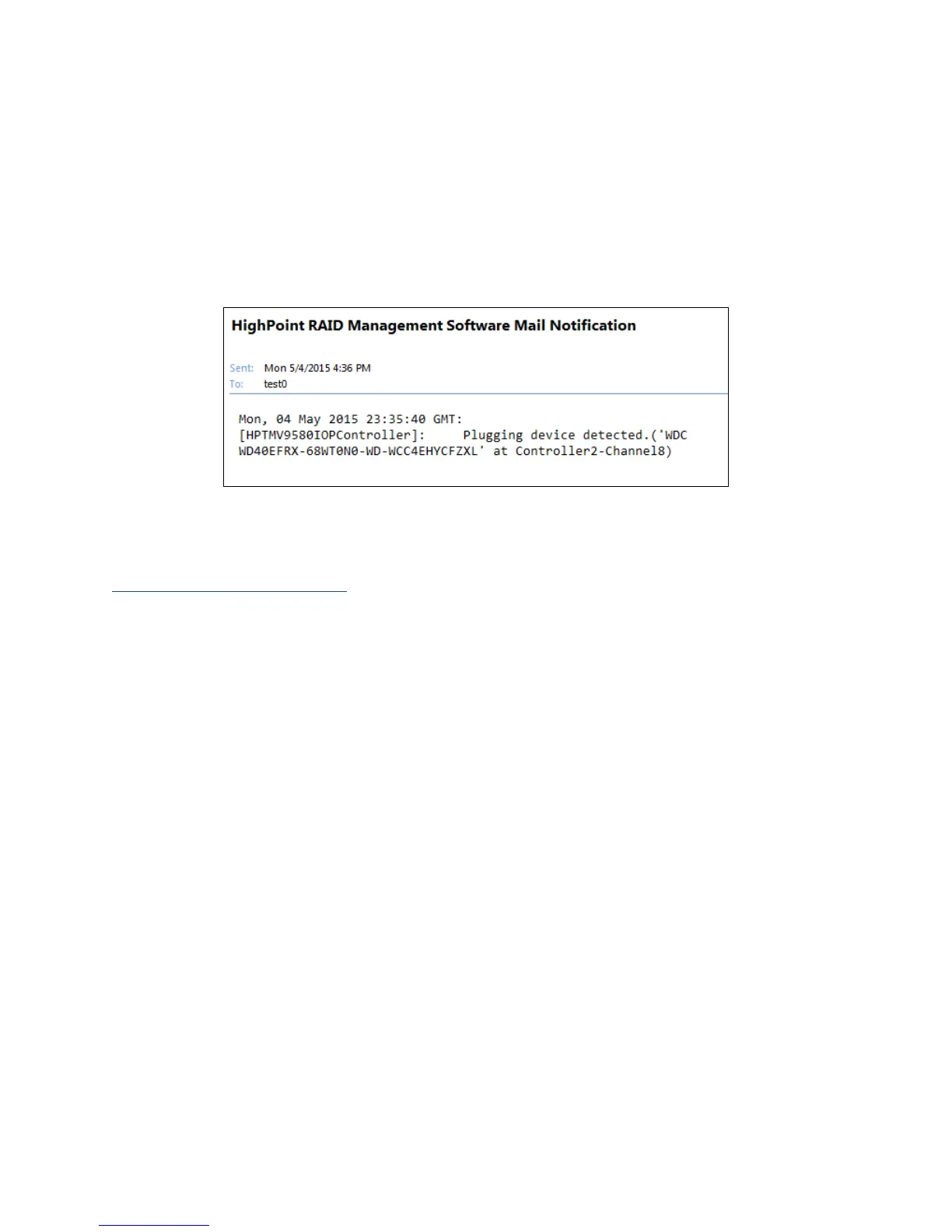
The email will send to your recipients the output recorded in the event log.
Example: event log email message.
WebGUI Remote Login
A user connected to a local network can remotely access the WebGUI using the IP
address of the host device.
To obtain your IP address
For Windows Users:
1. Open a command prompt window on the host computer.
2. Type ipconfig
3. Look for the section that contains your network adapter information
4. Take Note the IP address



 To Next Page