35
RAID Expansion (OCE/ORLM)
Important: It is recommended to Verify/Rebuild your array before Expanding or
Migrating. Once you start an OCE/ORLM procedure, you can stop the process but it
must be resumed until completion.
To add more capacity to your current configuration follow these steps:
1. Log in WebGUI
2. Select desired controller from drop down menu on top left
3. Click Logical
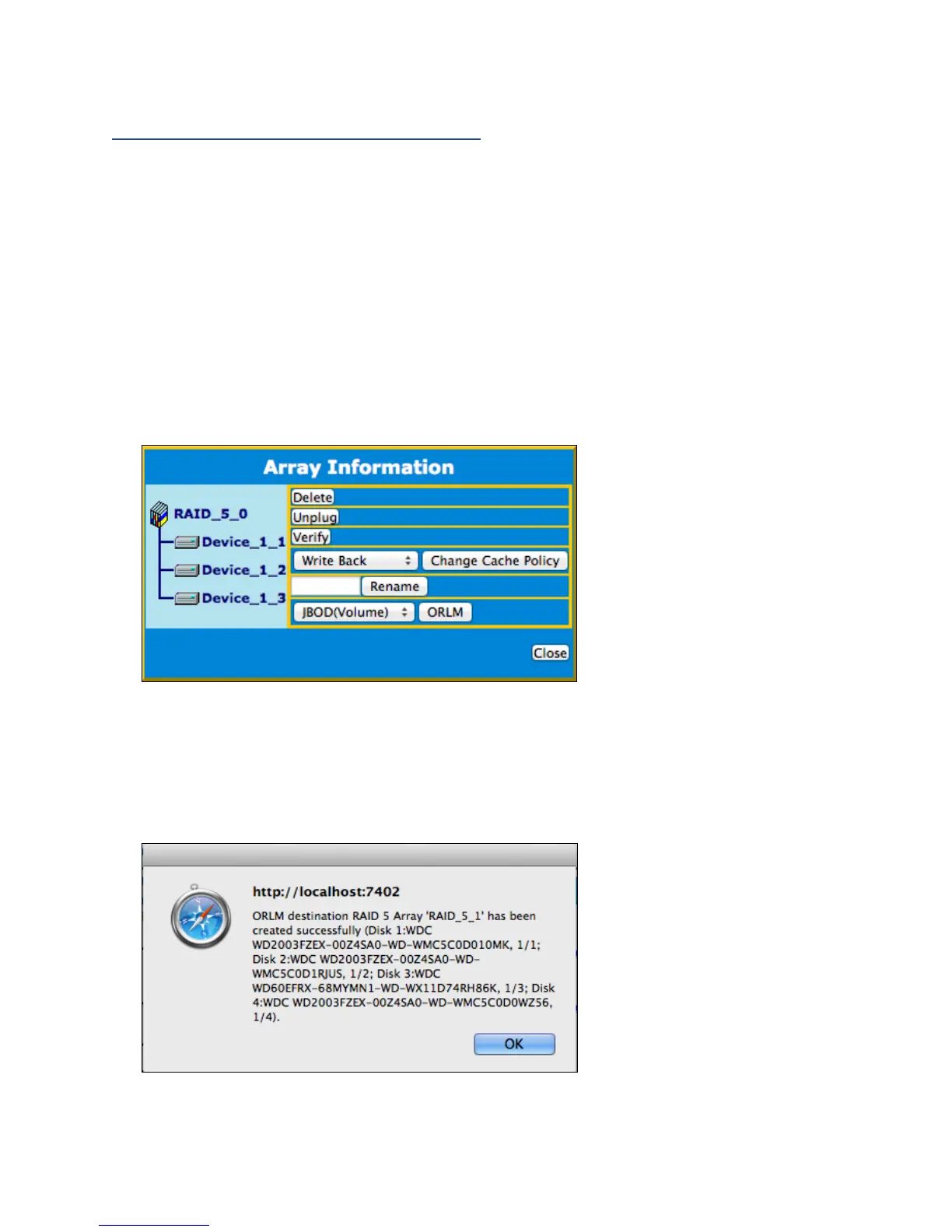
4. Click Maintenance for the array you want to change
Select a different RAID level to Migrate
Select the same RAID level to Expand
5. Important: Record all the physical drives currently in array.
6. Click ORLM
7. Select the physical drives you recorded earlier and the drives you want to add
8. Click Submit
Upon submission, you will receive a prompt stating ORLM created successfully.
The Logical Device Information will change status to migrating.



 To Next Page